Some tasks are simple. "Reply to that email." Done. One step, one card, move it to Done.
But most real work isn't like that. "Prepare the client proposal" has five steps inside it. "Launch the new page" has ten. And if all you have is a card that says "Launch the new page" — you're going to forget half those steps.
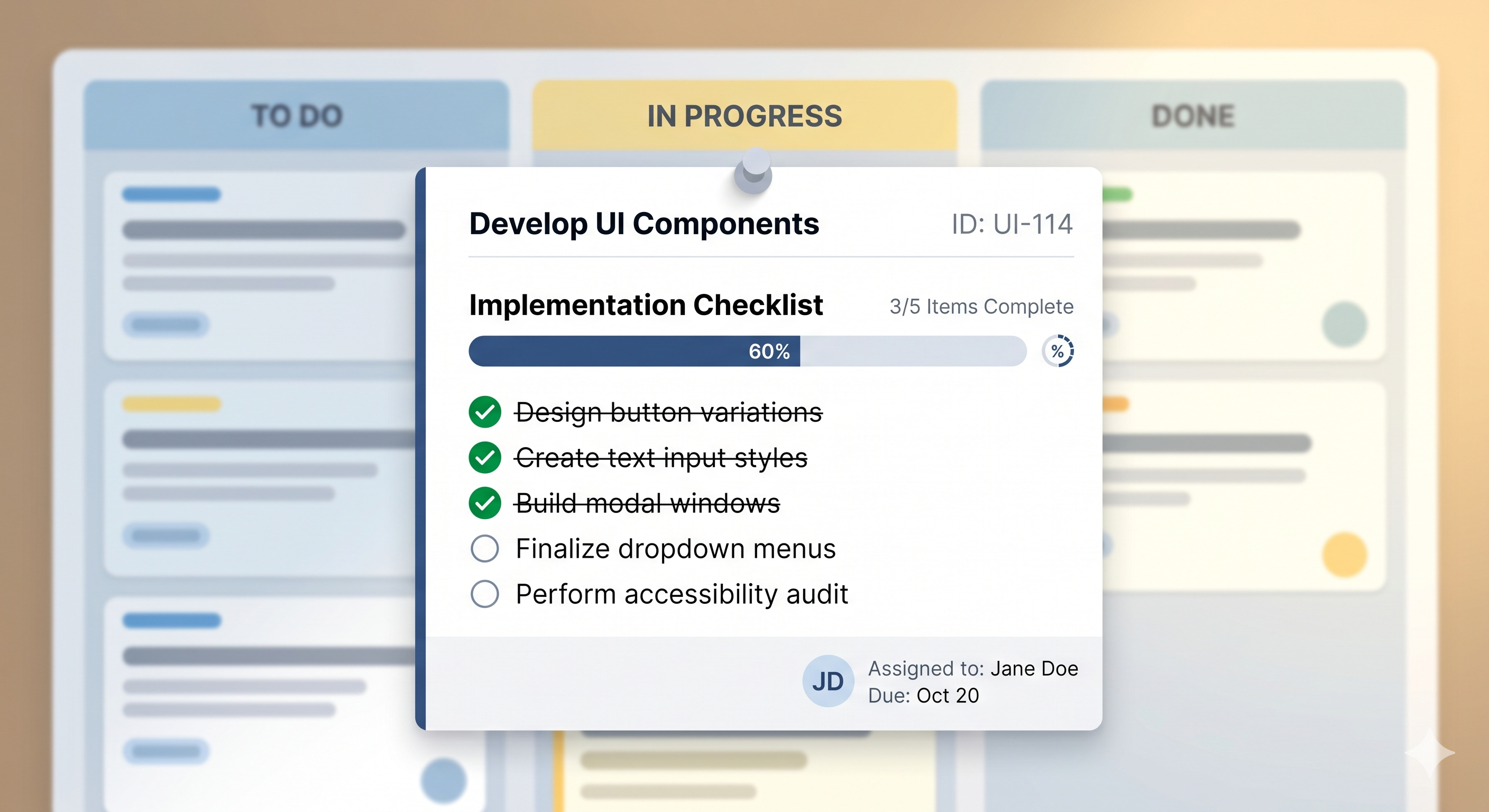
That's why SimplyKanban has checklists built right into every task. Not in a separate app. Not in a spreadsheet. Right inside the card, where the work lives.
And honestly? It might be the feature that makes you ditch your old todo list for good.
Why a Task Isn't Always Just One Task
Think about how you manage work right now. Maybe you use a todo list — on paper, in an app, or in a project management spreadsheet. You write down "Redesign homepage." You stare at it for three days. It feels too big. You don't start.
The problem isn't motivation. It's that "Redesign homepage" isn't a task — it's a project. It has smaller steps hiding inside it: gather inspiration, choose colors, write the copy, build the layout, test on mobile, get feedback.
When you break a big task into smaller steps, something clicks. Each step is small enough to start. And every time you check one off, you feel progress. That's not a productivity trick — it's just how our brains work.
A checklist inside a Kanban card gives you exactly this. The card stays on your board as one clean item. But inside, it holds every step you need to finish it.
How Checklists Work in SimplyKanban
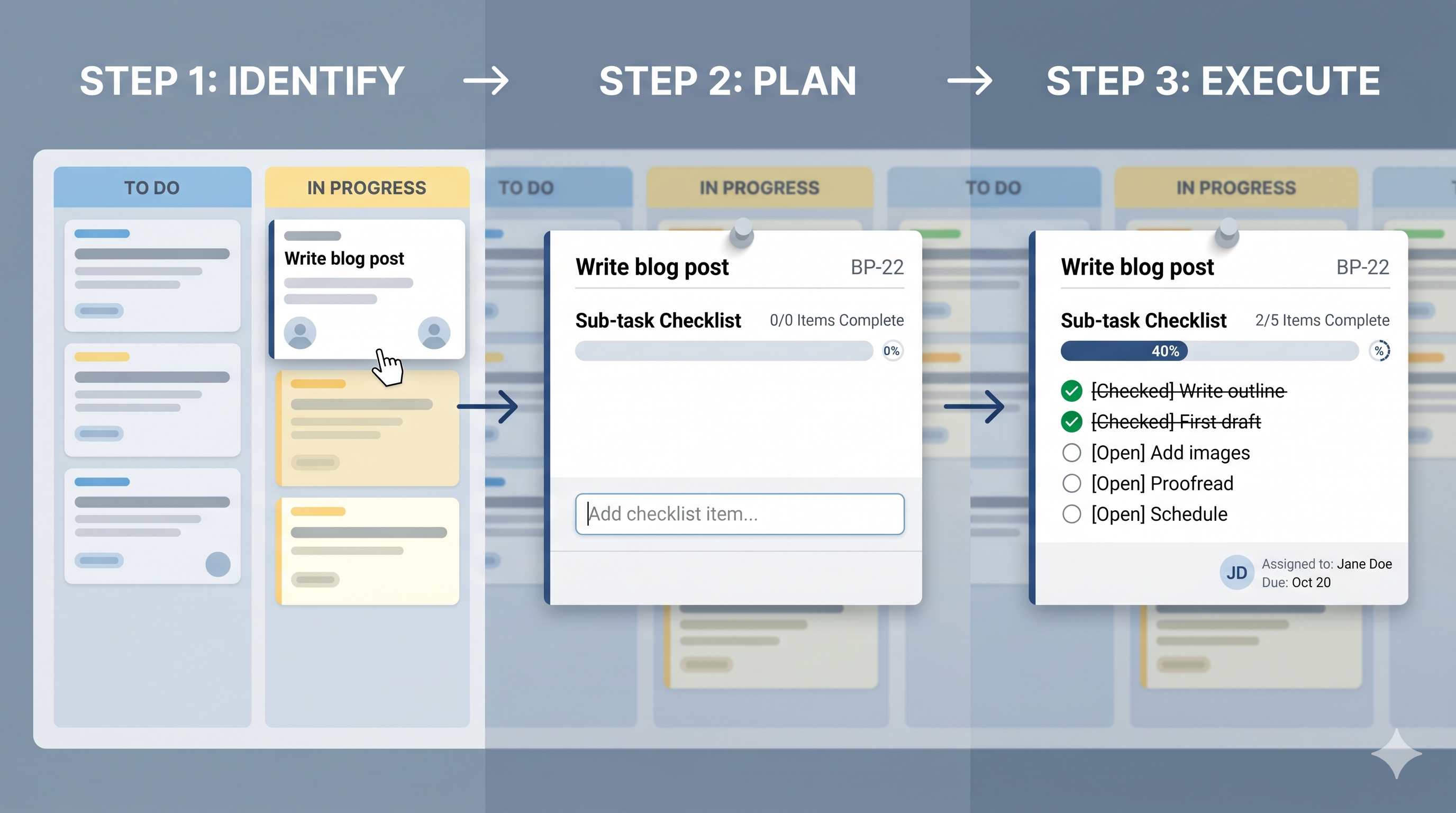
It's simple. You create a task on your board — like you normally would on any online Kanban board. Then you open the card and add a checklist. Write each step as a checklist item.
As you work through them, you check them off one by one. A progress bar shows how far along you are. When every item is checked, the card is ready to move to Done.
No extra tools. No switching between apps. Everything stays inside the card, on your board, where you can see it.
Better Than a Spreadsheet. Better Than a Todo List.
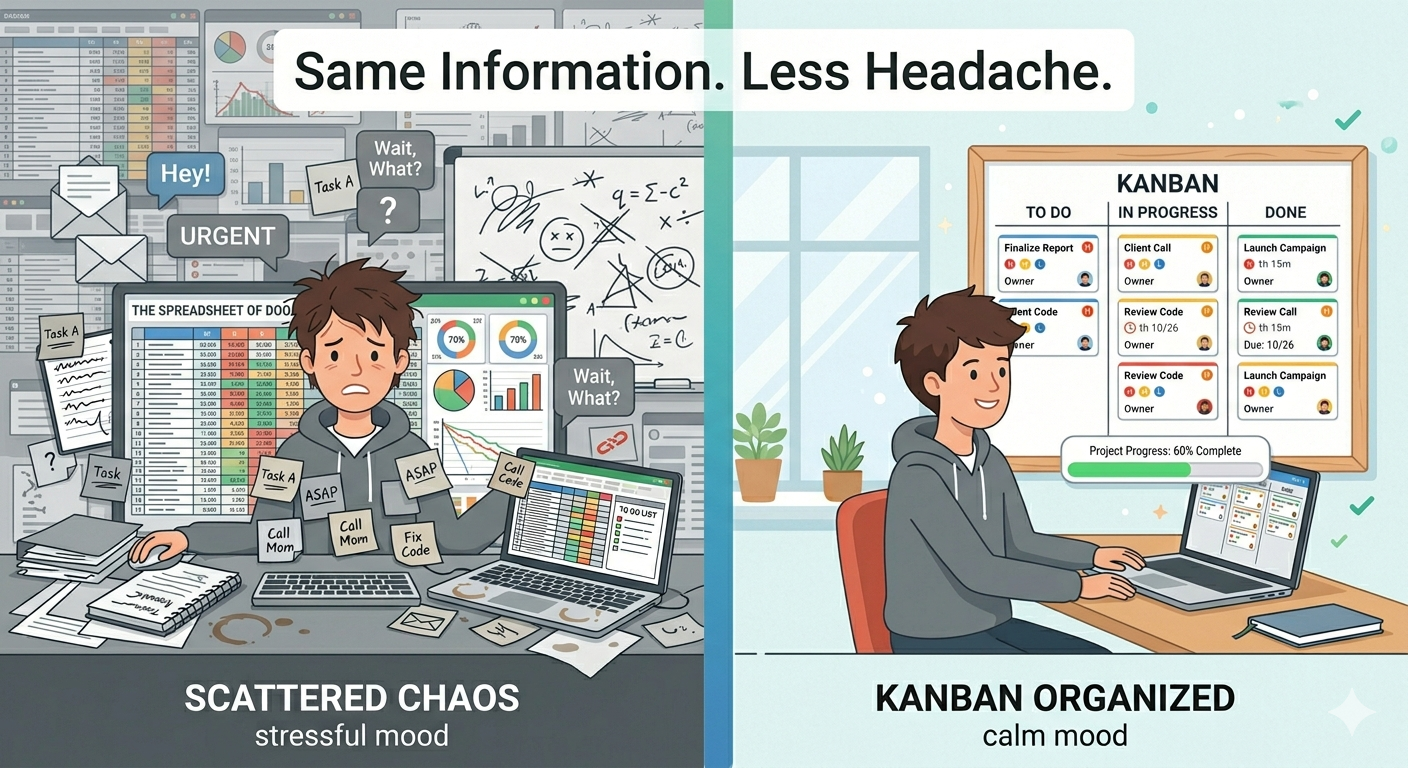
Let's be real. A lot of people still track tasks in Excel or Google Sheets. It works — until it doesn't. Spreadsheets don't show you progress visually. You can't drag a row from "In Progress" to "Done." And breaking a task into subtasks means adding more rows, more columns, more clutter.
A standalone todo list app is a step up — but it's still flat. You see a list of things. No stages, no flow, no visual sense of where your work is going.
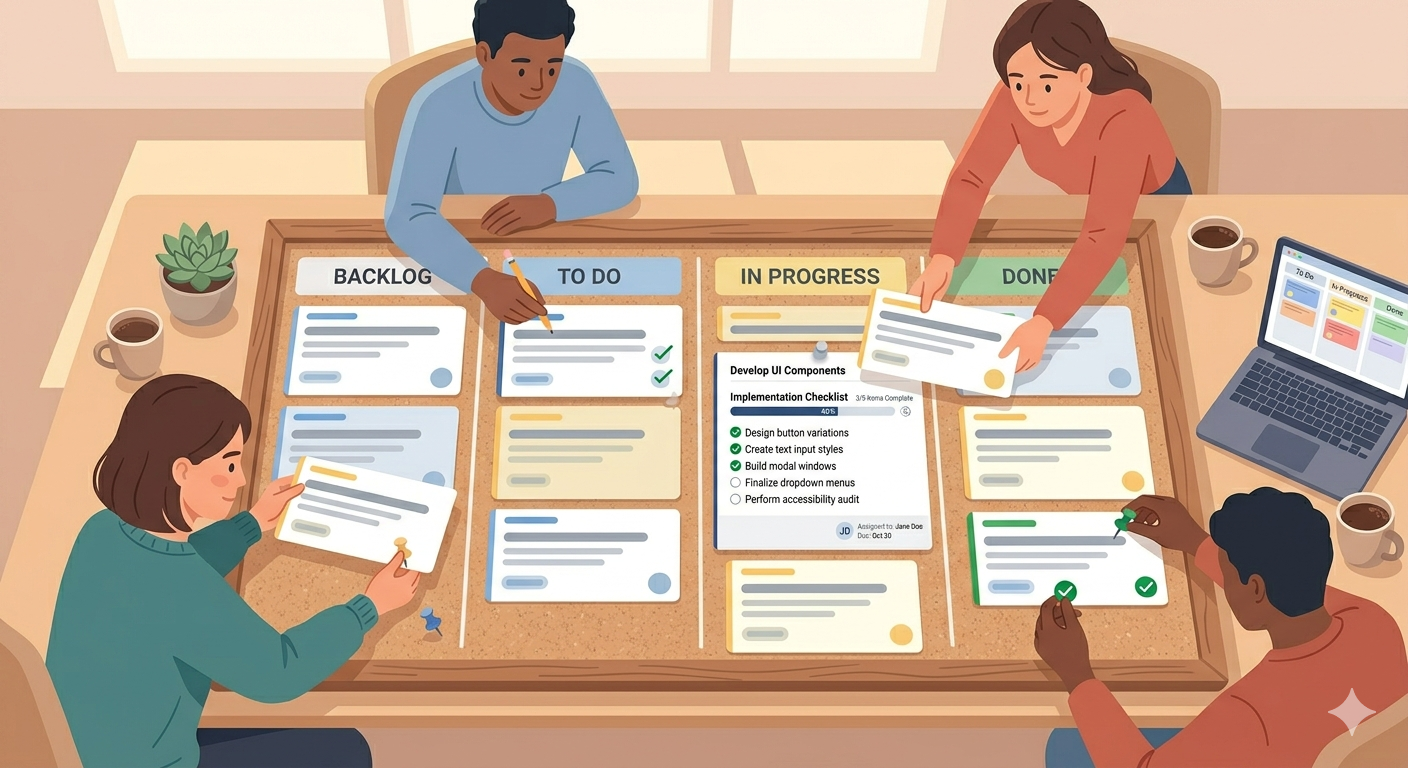
A simple Kanban board with checklists gives you both. The board shows the big picture — what's planned, what's happening, what's done. The checklist shows the small picture — the steps inside each task. Together, they cover everything.
That's what a good work management tool should do. Show you the whole project and the details at the same time.
See It in Action
Words are nice, but seeing it is better. We have a demo page where you can try SimplyKanban without signing up. Create a task, move cards between columns, create your own columns — all right in your browser.
→ Try the demo at simplykanban.online/demo
Play around with it for a minute or two. See how it feels. And when you're ready to save your board and keep your tasks — signing up is free and takes 30 seconds.
→ Create your free account at simplykanban.online/register
Small Feature, Big Difference
Checklists aren't flashy. They don't sound exciting on a features page. But they change how you work. They turn overwhelming tasks into clear steps. They show you progress when you need it most. And they keep everything in one place — no extra apps, no spreadsheets, no scattered notes.
A simple Kanban board with checklists inside each card. That's the whole project management tool some people have been looking for.
Maybe it's the one you've been looking for too.
Checklists Inside Your Kanban Cards: The Simplest Way to Break Down Any Task