Marketing teams are always running five things at once. A blog post is being written, a social campaign is being designed, an email sequence is being reviewed, and someone just asked for a last-minute landing page.
It's exciting work. But it's also easy to lose track of what's where, who's doing what, and what's about to miss a deadline.
That's why more marketing teams are turning to Kanban boards. Not as another tool on top of everything — but as the one place where all the moving pieces become visible.
Why Marketing Work Fits Kanban Perfectly
Marketing tasks move through stages — just like a factory line, just like software development. An idea becomes a brief, a brief becomes a draft, a draft gets reviewed, and then it goes live.
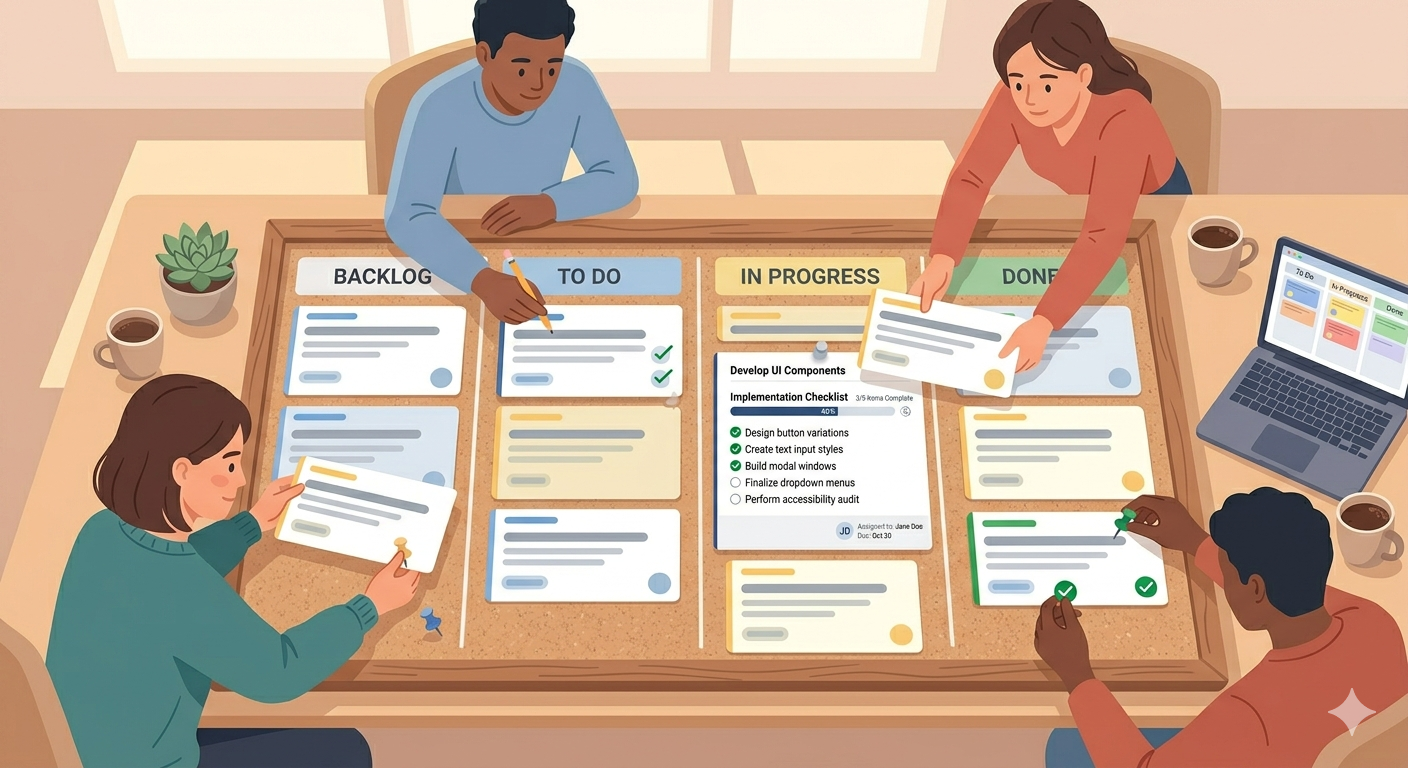
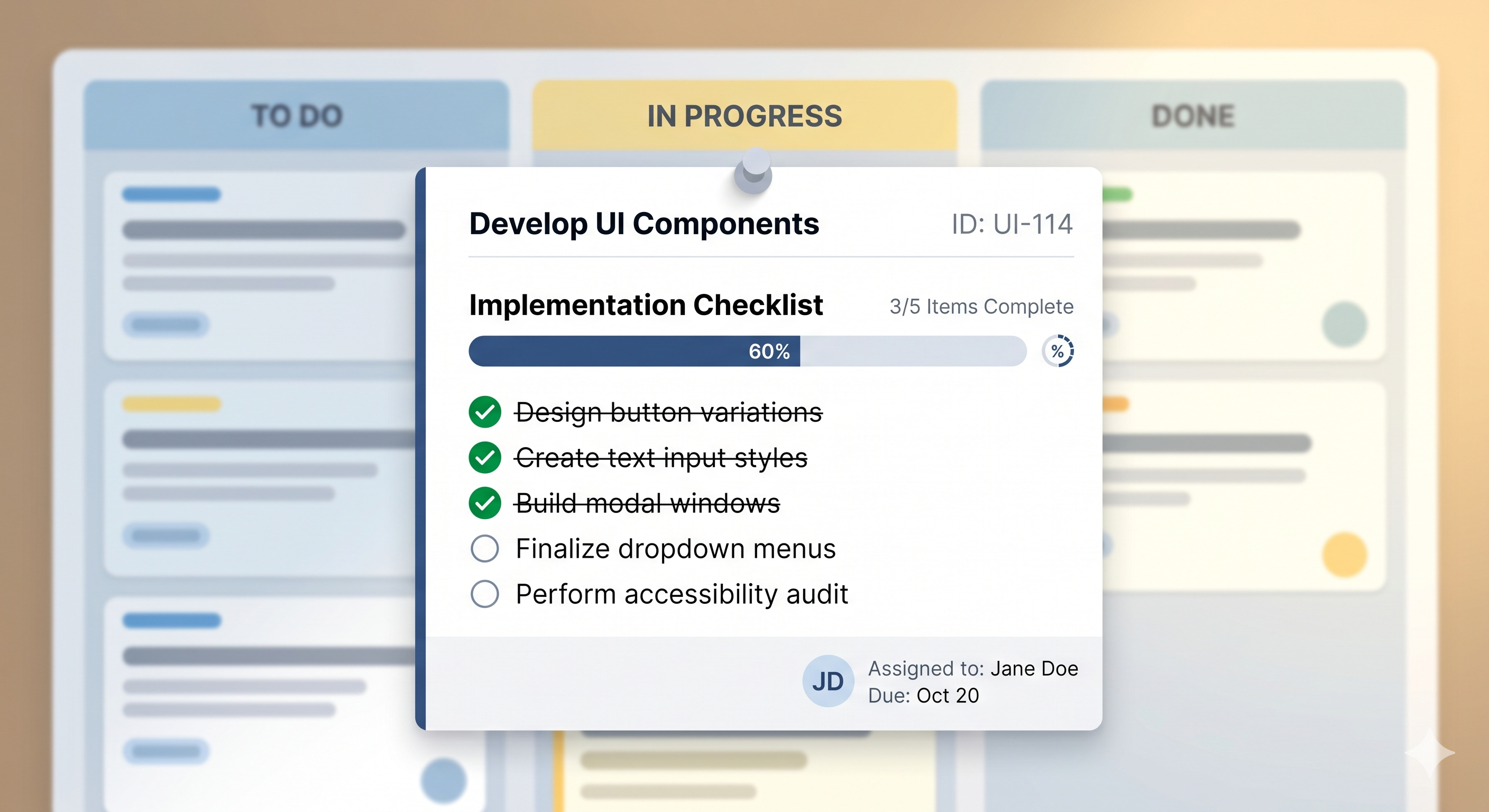
That's exactly how a Kanban board works. Each stage is a column. Each task is a card. You move the card forward as the work progresses.
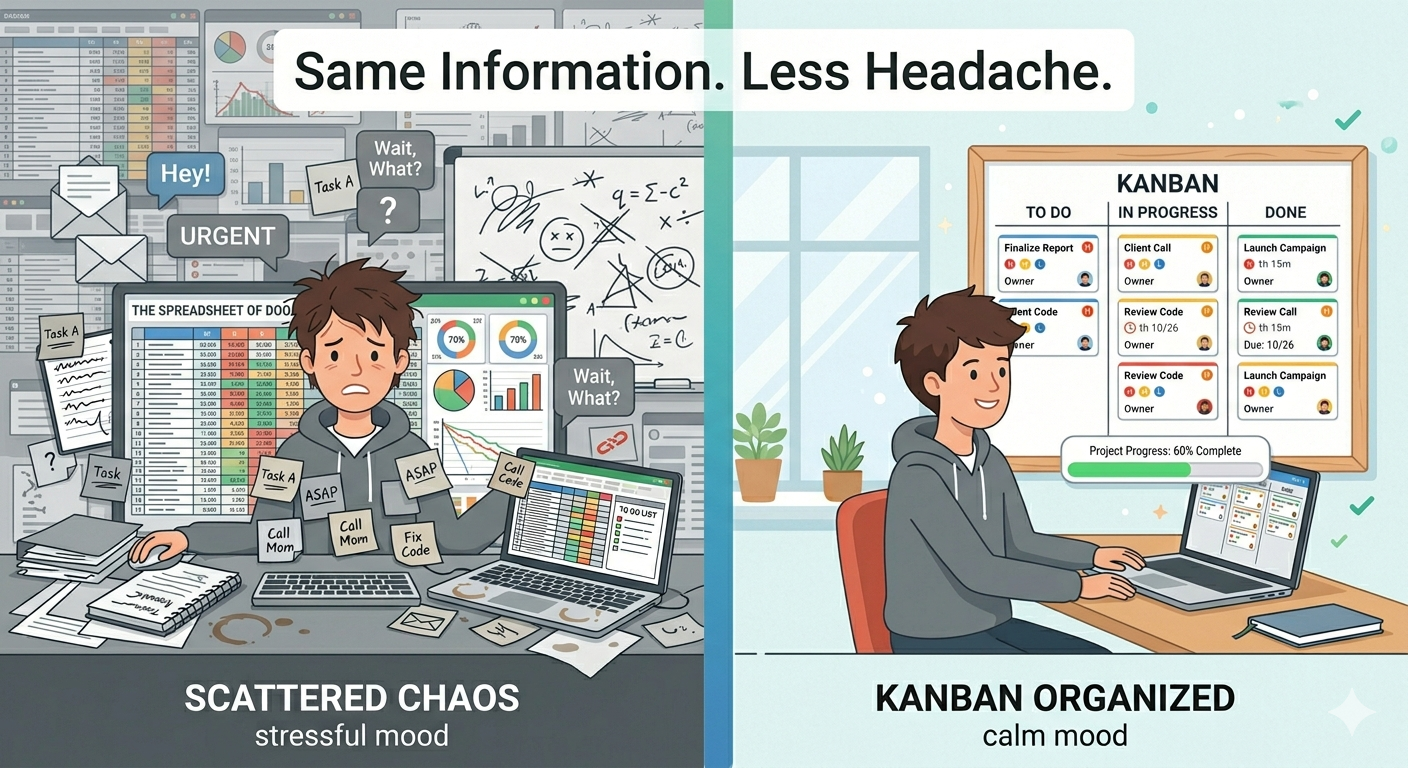
The difference between tracking this in a spreadsheet or a chat thread versus seeing it on a board is huge. On a board, one glance tells you everything. What's in progress. What's stuck in review. What's ready to publish. What fell off the radar two weeks ago.
For a team that juggles multiple campaigns, channels, and deadlines — that visibility is everything.
5 Kanban Setups That Marketing Teams Love
Here are five ways real marketing teams organize their boards:
1. Campaign Tracker
Columns: Planning → Creating → Review → Approved → Live
Every campaign — product launch, seasonal sale, event promotion — gets a card. You see the full pipeline at a glance. Nothing launches without going through review, and nothing sits in planning forever.
2. Content Calendar
Columns: Ideas → Writing → Editing → Scheduled → Published
Blog posts, newsletters, whitepapers, case studies — all in one flow. Writers know what's next, editors know what's waiting, and the manager knows what's going live this week.

3. Social Media Pipeline
Columns: Idea → Copy Ready → Design Ready → Scheduled → Posted
Social posts need copy and visuals before they can go out. This board makes sure both are done before anything gets scheduled. No more posting a graphic with placeholder text — we've all been there.
4. Email Marketing Flow
Columns: Drafting → Internal Review → Testing → Sent → Reporting
Email campaigns have a lot of steps — writing, design, approval, testing, sending, analyzing results. This board keeps every email moving without skipping a step. The Testing column is the one that saves you from embarrassing mistakes.
5. Marketing Requests Board
Columns: New Request → Prioritized → In Progress → Done
Every team gets requests from other departments. "Can you make a flyer?" "We need a social post for Friday." Instead of losing these in Slack or email, they go on the board. You prioritize them, work through them, and nobody has to ask "did you see my message?" ever again.
Less Chaos, More Shipping
Marketing will always be fast and a little chaotic — that's part of the fun. But chaos without visibility leads to missed deadlines, forgotten tasks, and campaigns that never launch.
A Kanban board doesn't slow you down. It shows you where everything is so you can move faster with confidence.
SimplyKanban gives marketing teams a clean, fast board with no setup required. Drag-and-drop cards, priorities from Low to Fire, deadlines, search and filter. Works on any device. Free plan with unlimited tasks.
→ Start your free board at simplykanban.online/register
Your Next Campaign Starts Here
You don't need a project management tool built for engineers. You need a board that matches how marketing actually works — fast, visual, and always moving.
Five columns. A few cards. And the peace of mind that nothing is falling through the cracks.