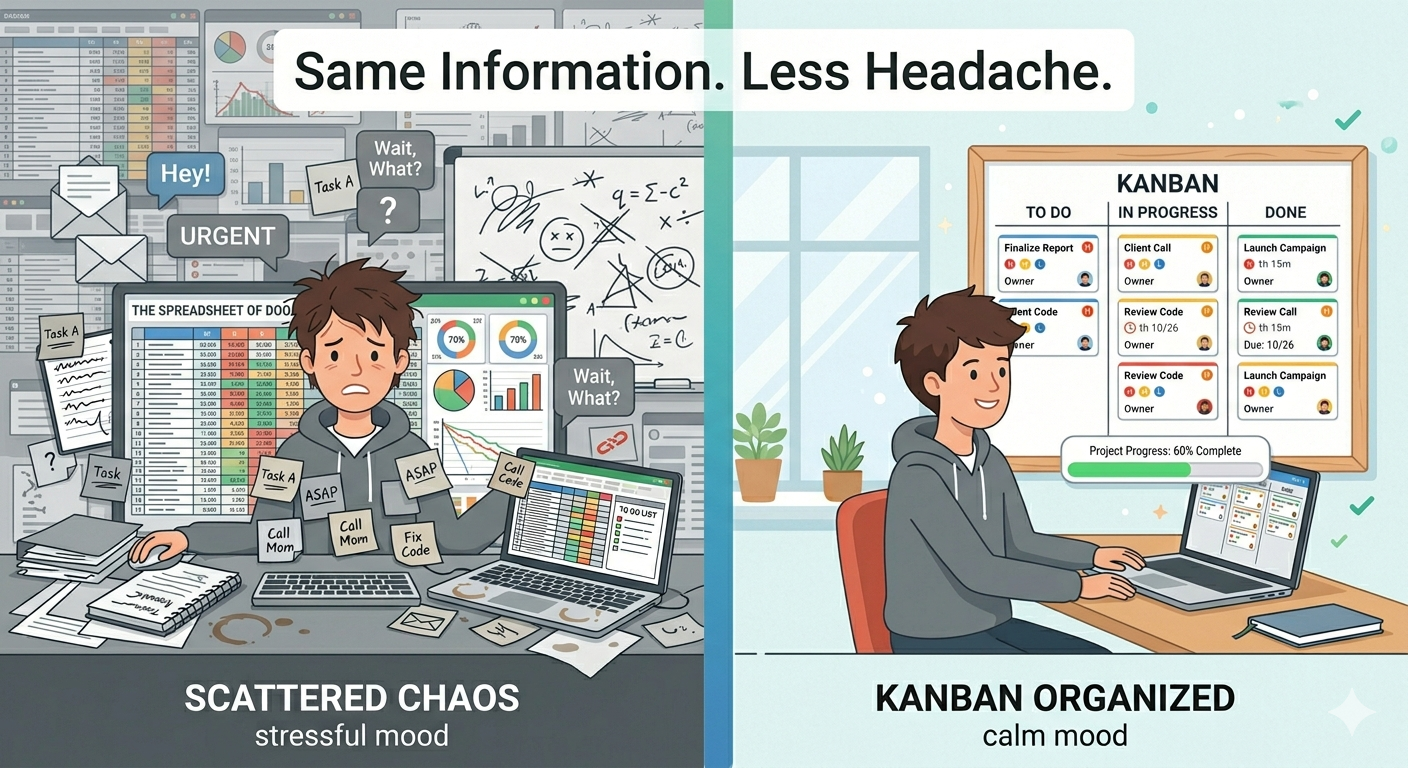
Somewhere along the way, people got convinced that managing a project means staring at a dashboard full of charts, graphs, and numbers.
Pie charts showing task completion rates. Bar graphs comparing this sprint to last sprint. Burndown charts that nobody really reads. It all looks impressive in a screenshot — but when you're actually trying to get work done, how often do you look at any of that?
Here's something more and more teams are realizing: you don't need a dashboard to stop guessing. You need a board.
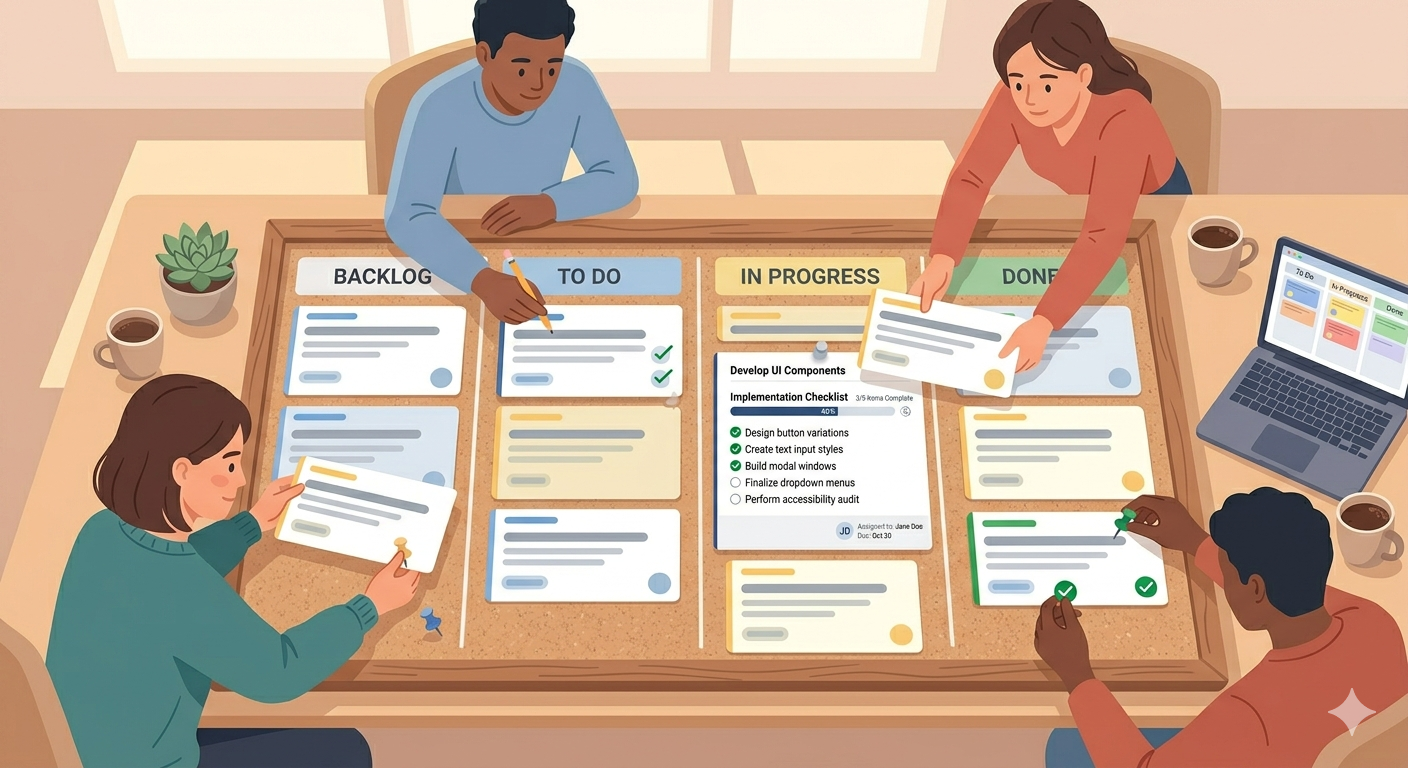
A simple Kanban board shows you everything a dashboard tries to show — but in a way your brain actually understands.
What a Dashboard Is Supposed to Do
Let's be fair. Dashboards exist for a good reason. When you're managing a project, you need answers to a few basic questions:
What's the current status of the work? What's stuck? What's on track? What needs attention right now? Are we going to hit the deadline?
A traditional project management dashboard answers these with data — percentages, numbers, timelines, charts. And for large organizations with hundreds of tasks and multiple teams, that level of detail can be useful.
But for most teams? It's overkill. You don't need a chart to tell you that 3 out of 10 tasks are done. You need to see the 7 that aren't — and know which one to work on next.
Why an Online Kanban Board Answers the Same Questions — Faster
An online Kanban board gives you the same answers, but visually and instantly.
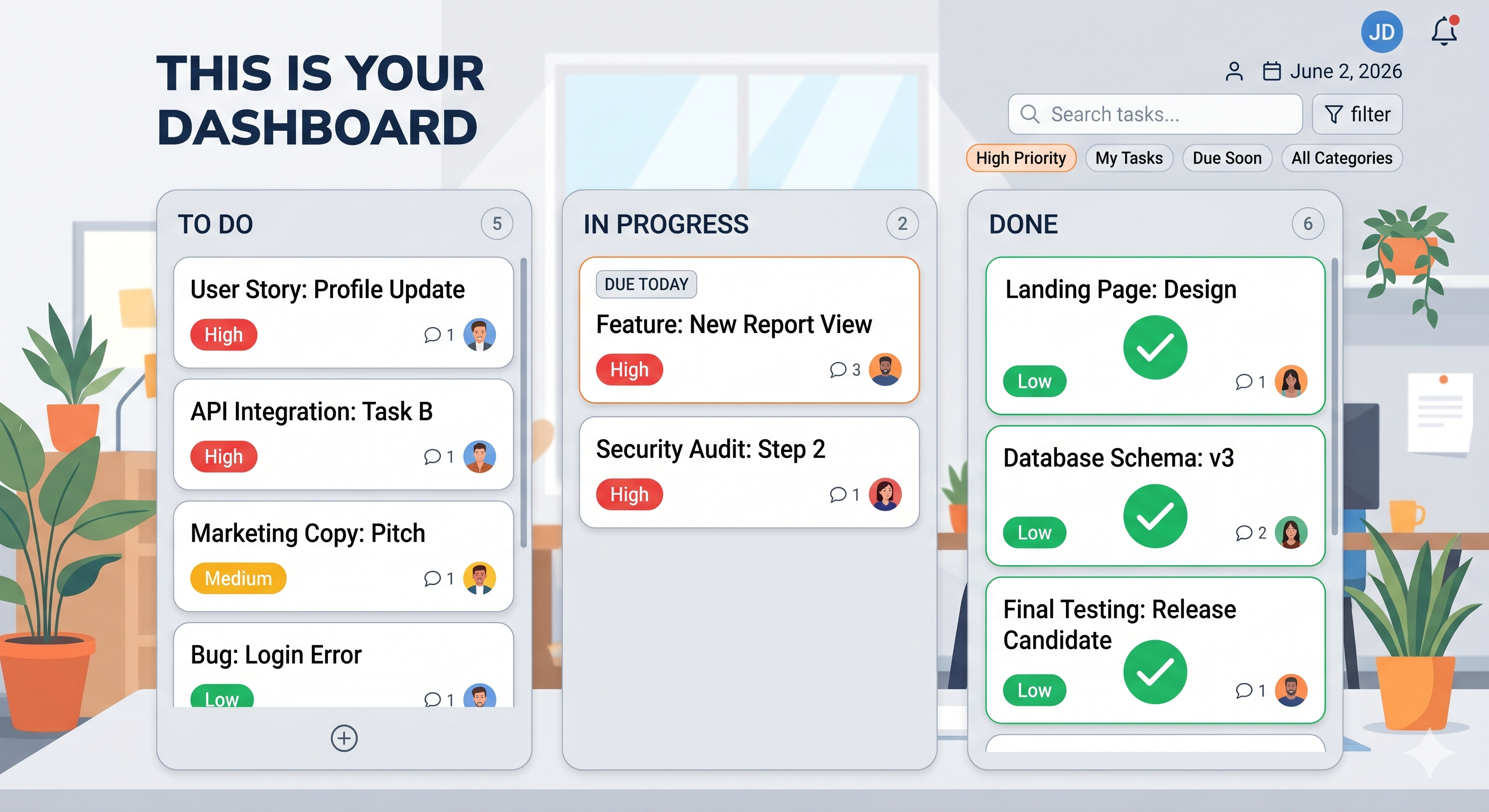
What's the status? Look at the columns. Cards on the left are waiting. Cards in the middle are happening. Cards on the right are finished. Done — in two seconds.
What's stuck? If a card has been sitting in "In Progress" for a week, you can see it. No chart needed. It's just there, staring at you.
What needs attention? Cards with high priority or overdue deadlines stand out. You don't need a report to tell you — the board tells you.
Are we on track? Count the cards. If most of them are in Done and only a few are left, you're in good shape. If To Do is packed and Done is empty — you know what that means.
A Kanban board doesn't hide information behind graphs. It puts your work right in front of you, in plain view. That's the best dashboard there is.
Less Reporting, More Doing
Here's what happens when teams rely on dashboards: someone has to build them. Someone has to update them. Someone has to explain them in a meeting. And then everyone goes back to their actual work.
With a simple Kanban board, there's nothing to build or maintain. The board updates itself as people move cards. The "report" is the board. The "meeting" is everyone glancing at the same board for 30 seconds.
That means less time reporting on work and more time doing the work. Which is the whole point.
Why Teams Are Choosing SimplyKanban
People from all over the world already use SimplyKanban as their daily task manager — freelancers, small teams, students, side-project builders, and small businesses. They chose it for the same reason: it's simple and it works.
No dashboards to configure. No reports to generate. Just an online Kanban board that shows your work clearly, updates instantly, and runs on any device.
Here's what you get with the free plan:
— Unlimited tasks with drag-and-drop
— Priorities from Low to Fire
— Deadlines with overdue visibility
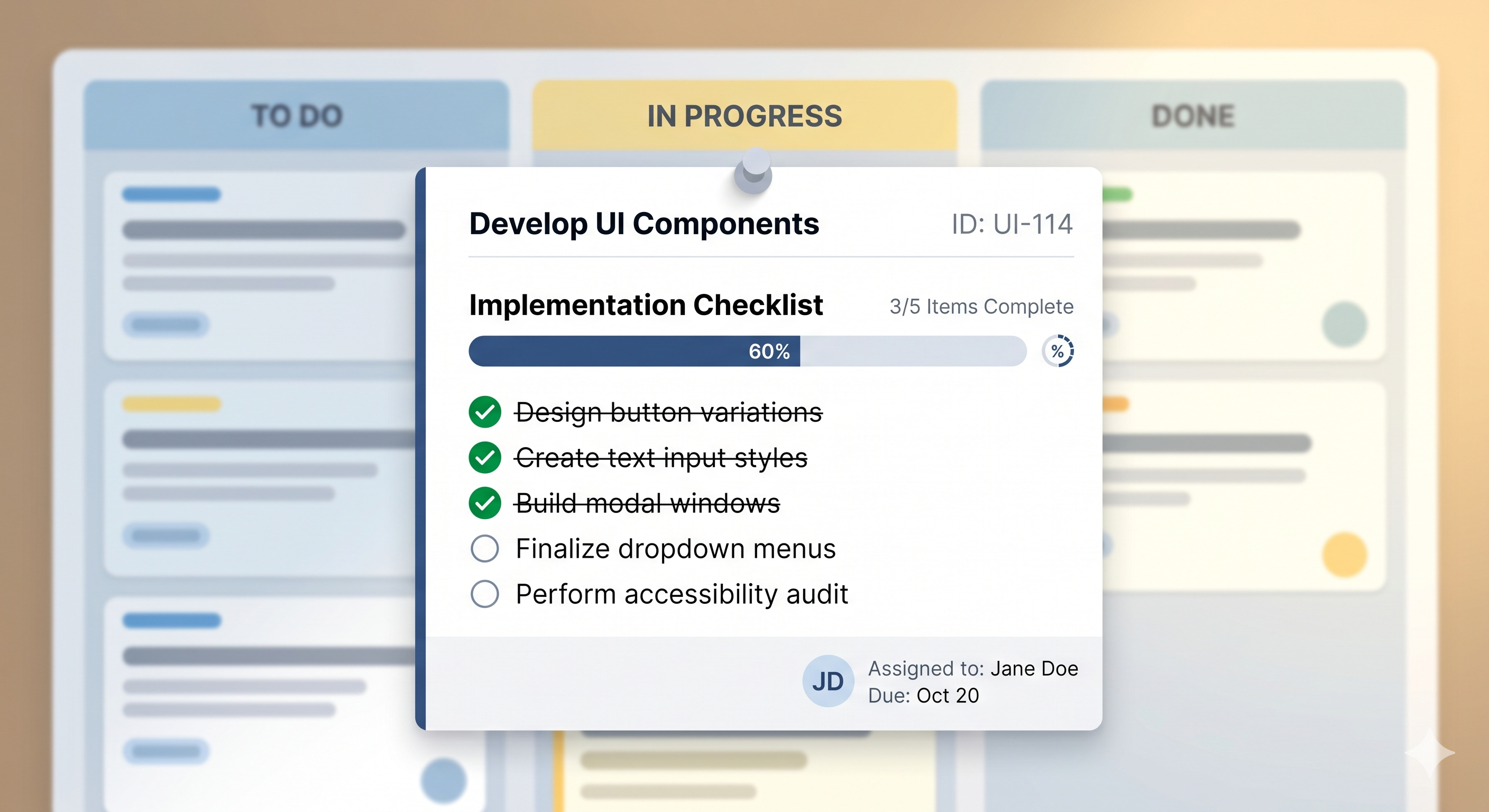
— Checklists inside every card
— Sort, filter, and search
— Works on phone, tablet, and laptop
— No ads, no tracking, no credit card
→ Try it free at simplykanban.online/register
Want to see it in action first? Check out the demo — no signup needed.
→ See the demo at simplykanban.online/demo
Stop Building Dashboards. Start Moving Cards.
The best project management dashboard isn't a dashboard at all. It's a board with columns and cards — where you can see your work, move it forward, and know exactly where everything stands.
No guesswork. No charts. Just clarity.