Freelancing is great. You pick your hours, choose your clients, work from wherever you want.
But nobody warns you about the other part — the part where you're the project manager, the accountant, the support team, and the person who actually does the work. All at once. Every day.
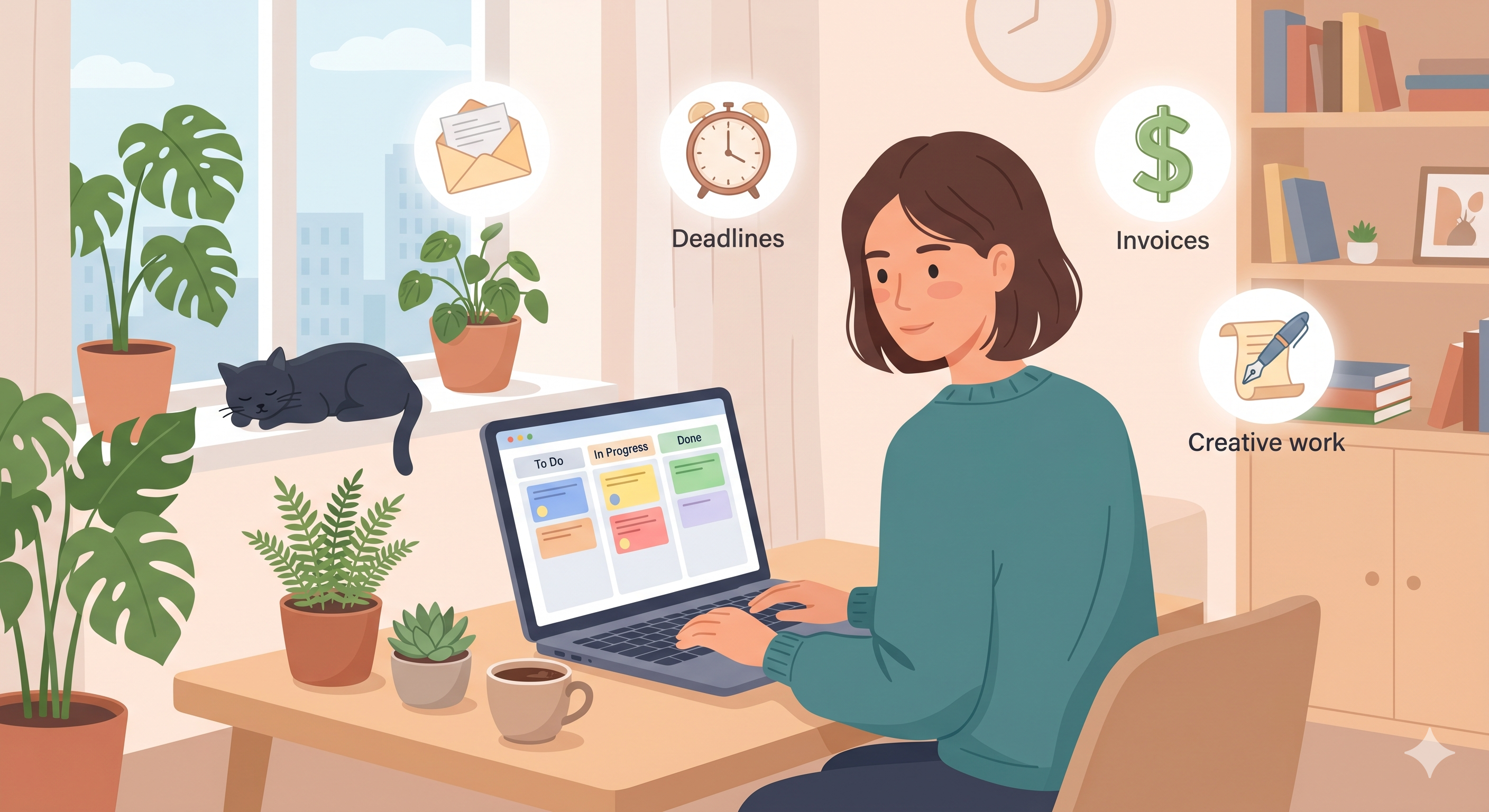
If you've ever missed a deadline because you forgot about it, or lost track of which client is waiting for what — you don't need to work harder. You need a better way to see what's on your plate.
That's where a Kanban board comes in.
The Freelancer's Real Problem
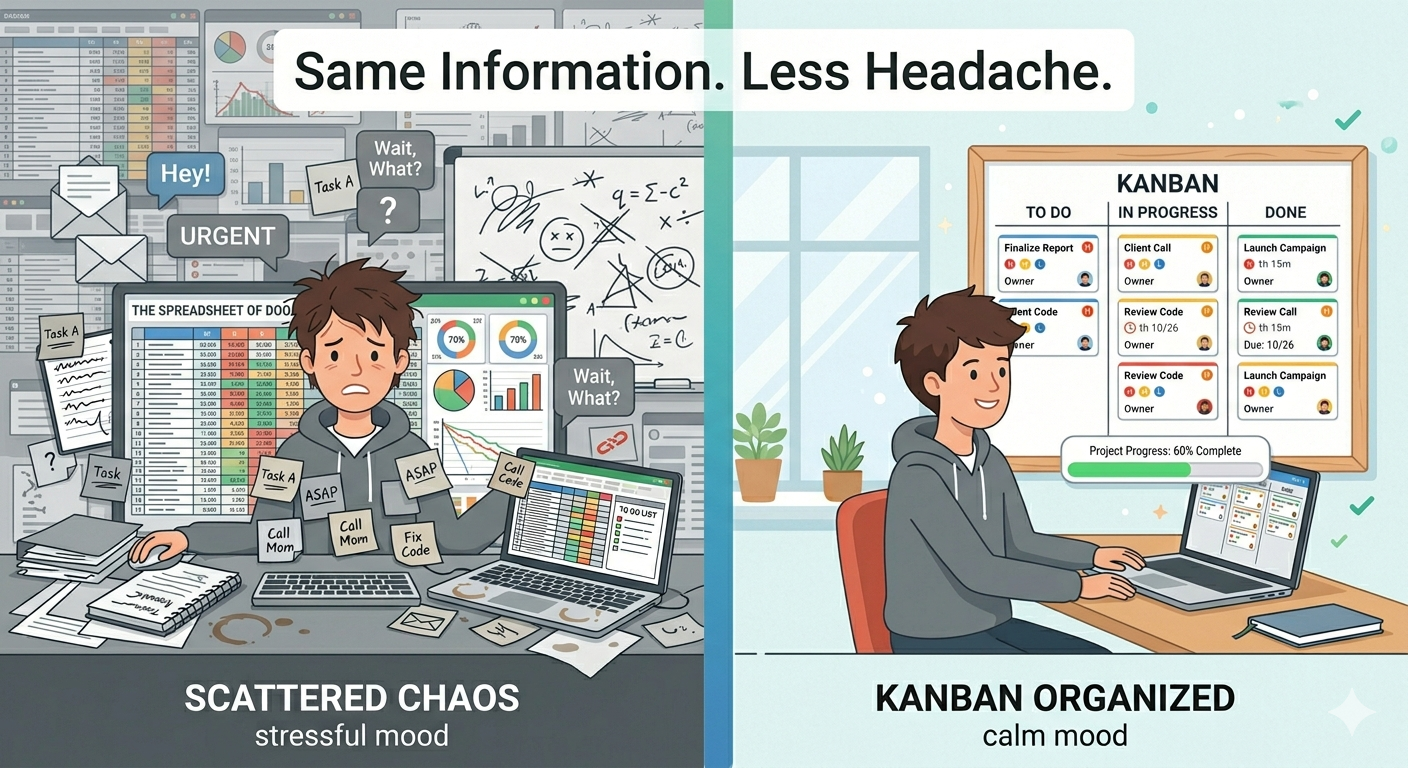
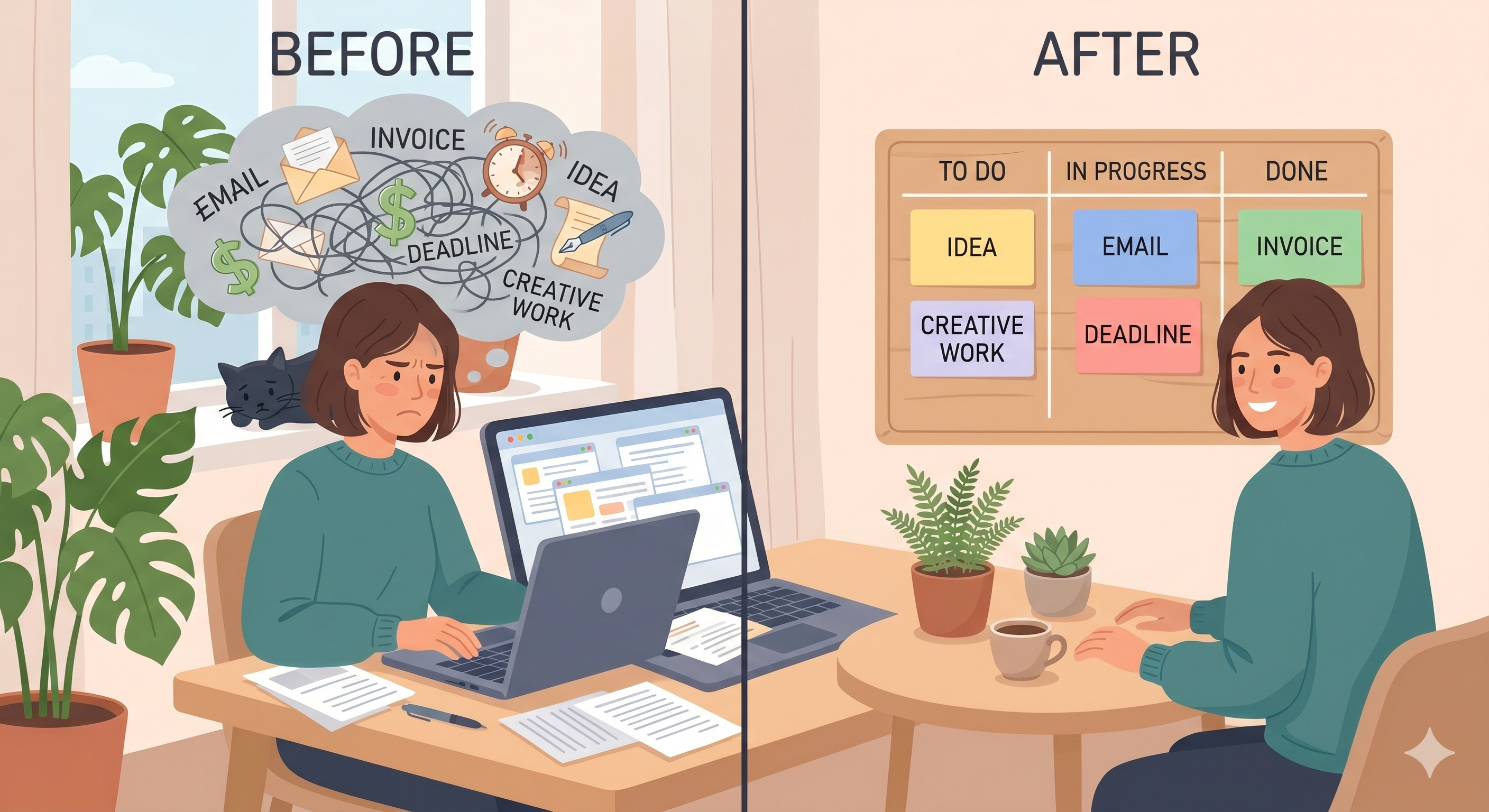
Most freelancers don't struggle because they're lazy or disorganized. They struggle because they keep everything in their head.
Client A needs revisions by Thursday. Client B hasn't replied to your email yet. You need to send that invoice. You had an idea for a new service page. Oh, and you should probably follow up on that lead from last week.
All of this is floating around in your brain, competing for attention. And when everything lives in your head, things fall through the cracks. Not because you don't care — but because your brain wasn't built to be a project management tool.
The fix is simple: get it all out of your head and onto a board.
How a Kanban Board Fits the Freelance Life
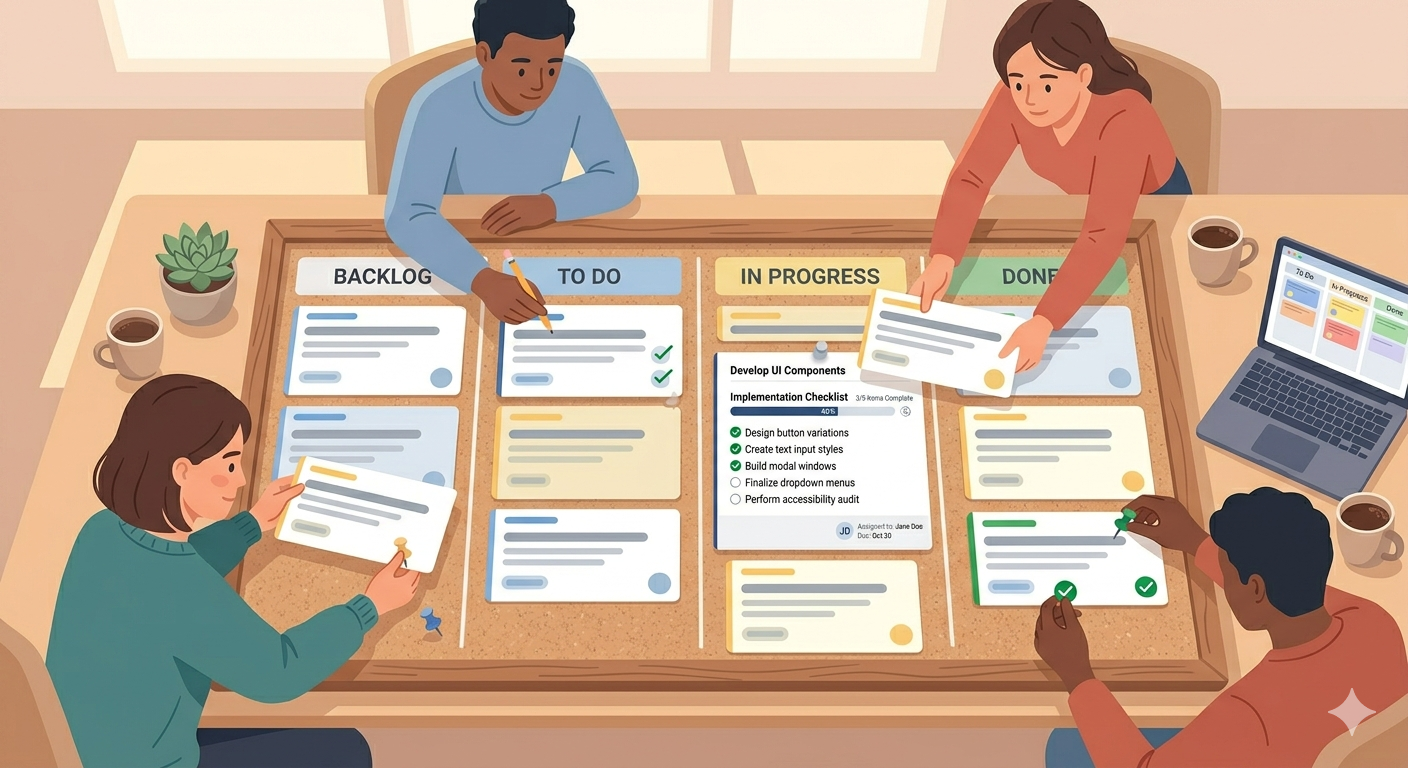
A Kanban board works perfectly for freelancers because your work already moves in stages. You get a request, you work on it, you deliver it. That's To Do, In Progress, Done.
But you can make it even more useful by creating columns that match your actual workflow. For example:
Leads → Proposal Sent → Active Work → Delivered → Invoiced → Paid
Now you're not just tracking tasks — you're tracking your whole freelance pipeline. You can see at a glance how many projects you're juggling, which ones need attention, and where your money is.
Or keep it simple with the classic three columns and just focus on daily tasks. There's no wrong way to do it. The point is that you can see your work instead of guessing.
Small Habits That Make a Big Difference
You don't need a complicated system. A few small habits are enough to keep everything running smoothly.
Start each morning with your board. Open it before you check email. Look at what's in progress, what's due today, what's stuck. Pick one or two tasks to focus on. This takes two minutes and saves hours of scrambling later.
Add tasks the moment they come in. Client sends a request? Add a card. Had an idea in the shower? Add a card. Don't trust yourself to remember — your board remembers for you.
Keep your In Progress column small. This is the golden rule of Kanban. If you have eight things in progress, you don't have eight things in progress — you have eight things barely started. Pick two or three. Finish them. Then move on.
Use priorities. When you're freelancing, everything feels urgent. But it's not. Mark what's actually important and do those first. Let the rest wait.
Why SimplyKanban Works for Freelancers?
Most project management tools are built for teams. They come with features freelancers don't need — user roles, team dashboards, sprint planning, admin settings.
SimplyKanban is different. It's a clean Kanban board that does exactly what a freelancer needs and nothing more.
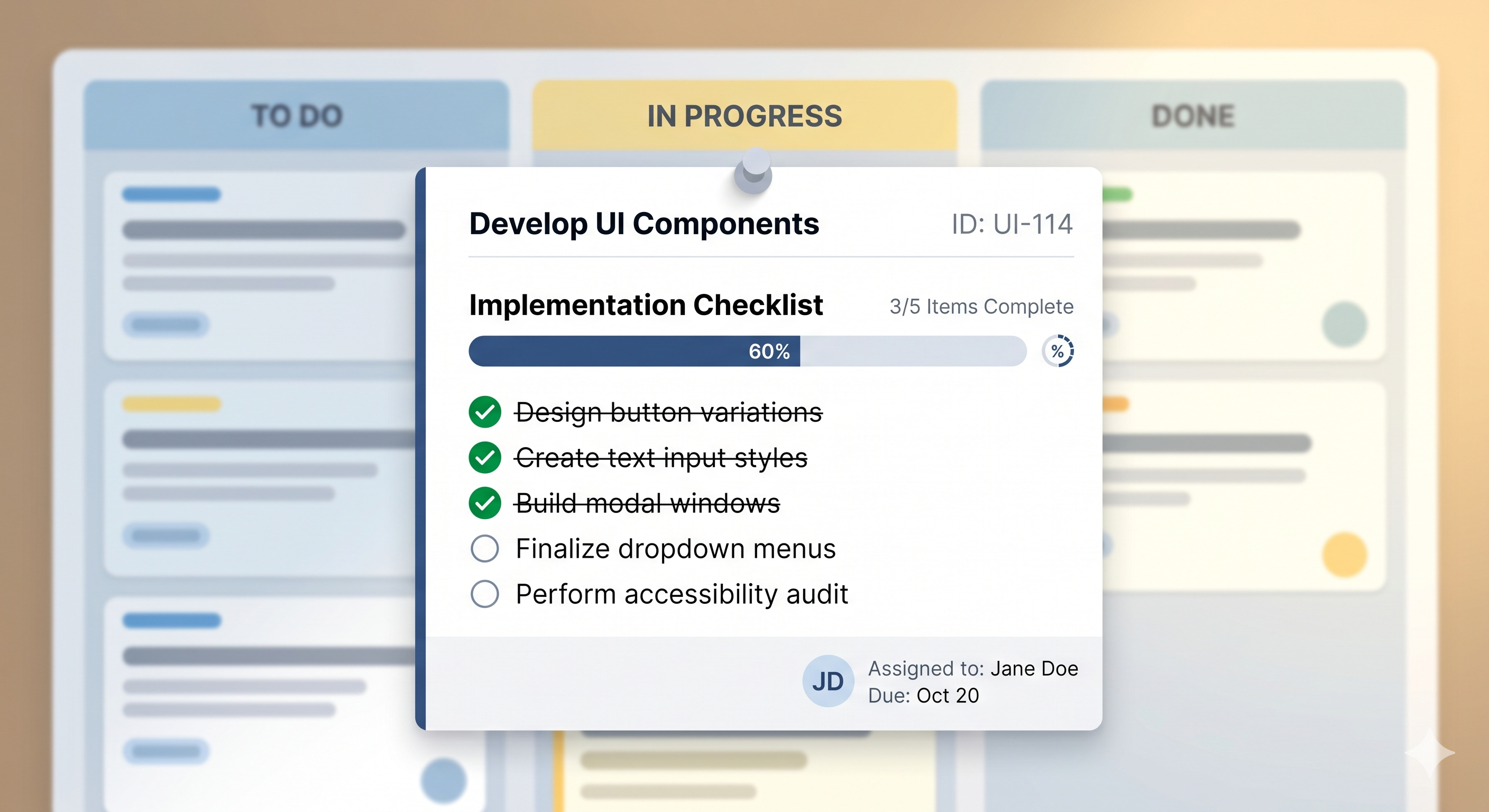
You sign up, you see your board, you start adding tasks. Set priorities. Add deadlines. Drag cards between columns. Search and filter when your board gets busy. Works on your phone so you can check things between meetings.
Free plan. No credit card. No trial that expires. No ads in your face.
Just your work, organized.
→ Start your free board at simplykanban.online/register
Your Brain Has Enough to Do
Freelancing means wearing a lot of hats. A Kanban board won't do the work for you — but it will make sure you never lose track of it.
Get it out of your head. Put it on a board. Move it forward.
That's it. That's the system.