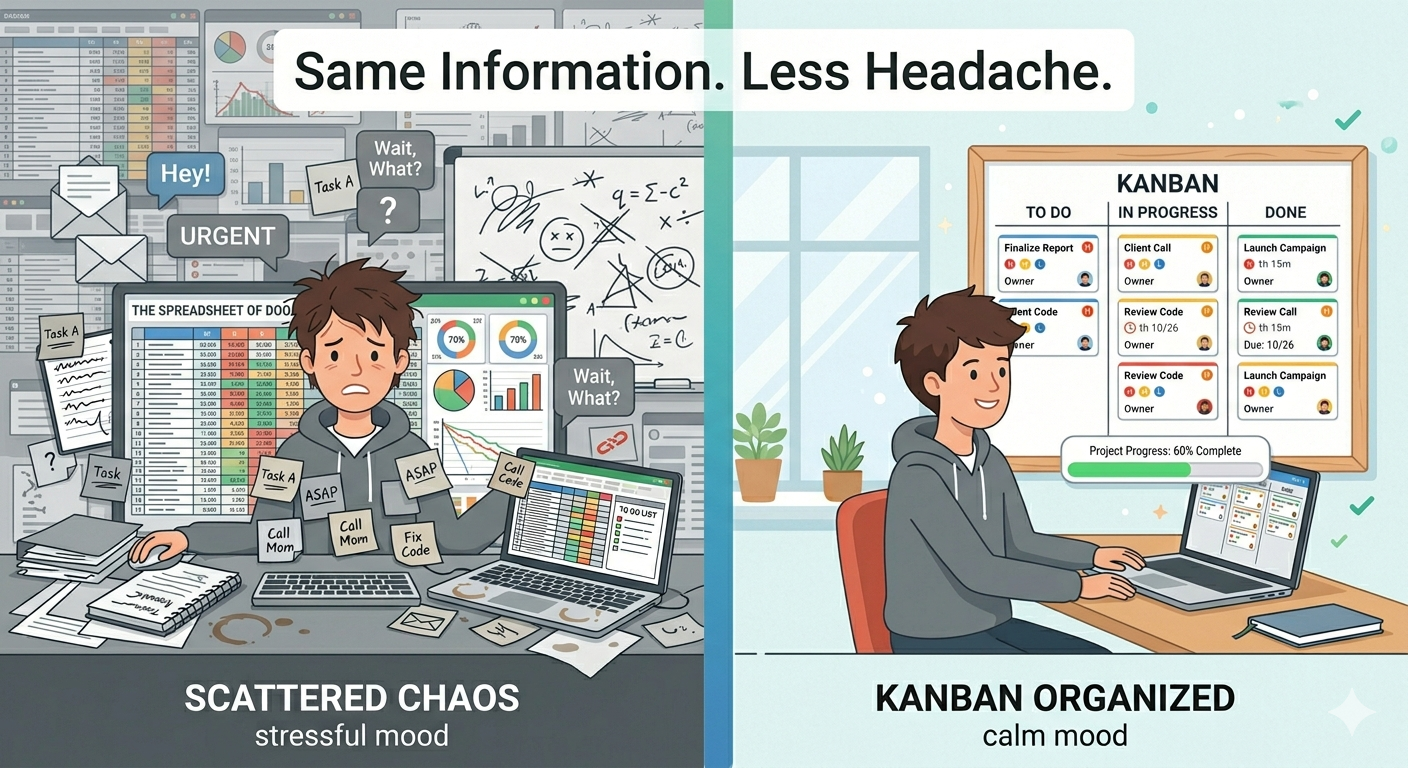
University life is chaos. You've got lectures, assignments, group projects, exams, maybe a part-time job, and somehow you're also supposed to have a social life.
Most students deal with this by keeping everything in their head — or writing things down on random pieces of paper that disappear into the bottom of a bag. And then one night at 2 AM, you suddenly remember you have an essay due tomorrow.
There's a better way. It's called a Kanban board. And no — it's not just for software developers or corporate teams. It works ridiculously well for students too.
Why Students Need a Task Management System
Here's the thing about university: nobody manages you. In school, your teacher told you what to do and when. At uni, you get a syllabus on day one and you're on your own.
That's a lot of freedom. It's also a lot of responsibility. And when you've got four courses, each with their own assignments, readings, and deadlines — keeping track of everything in your head stops working pretty fast.
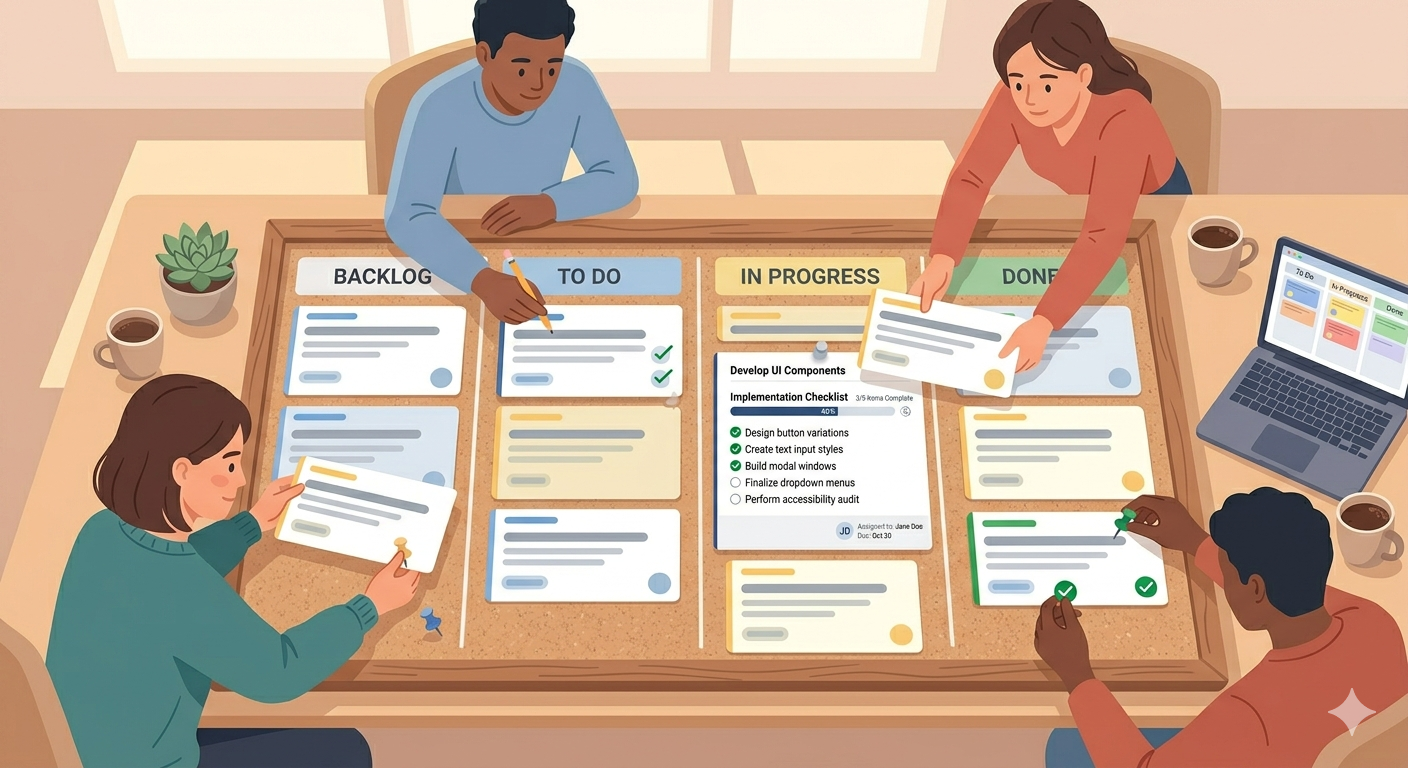
You don't need anything fancy. You just need one place where all your tasks live, where you can see what's coming, what you're working on, and what's done.
That's exactly what a Kanban board does.
How to Set Up a Student Kanban Board
The basic setup takes about a minute:
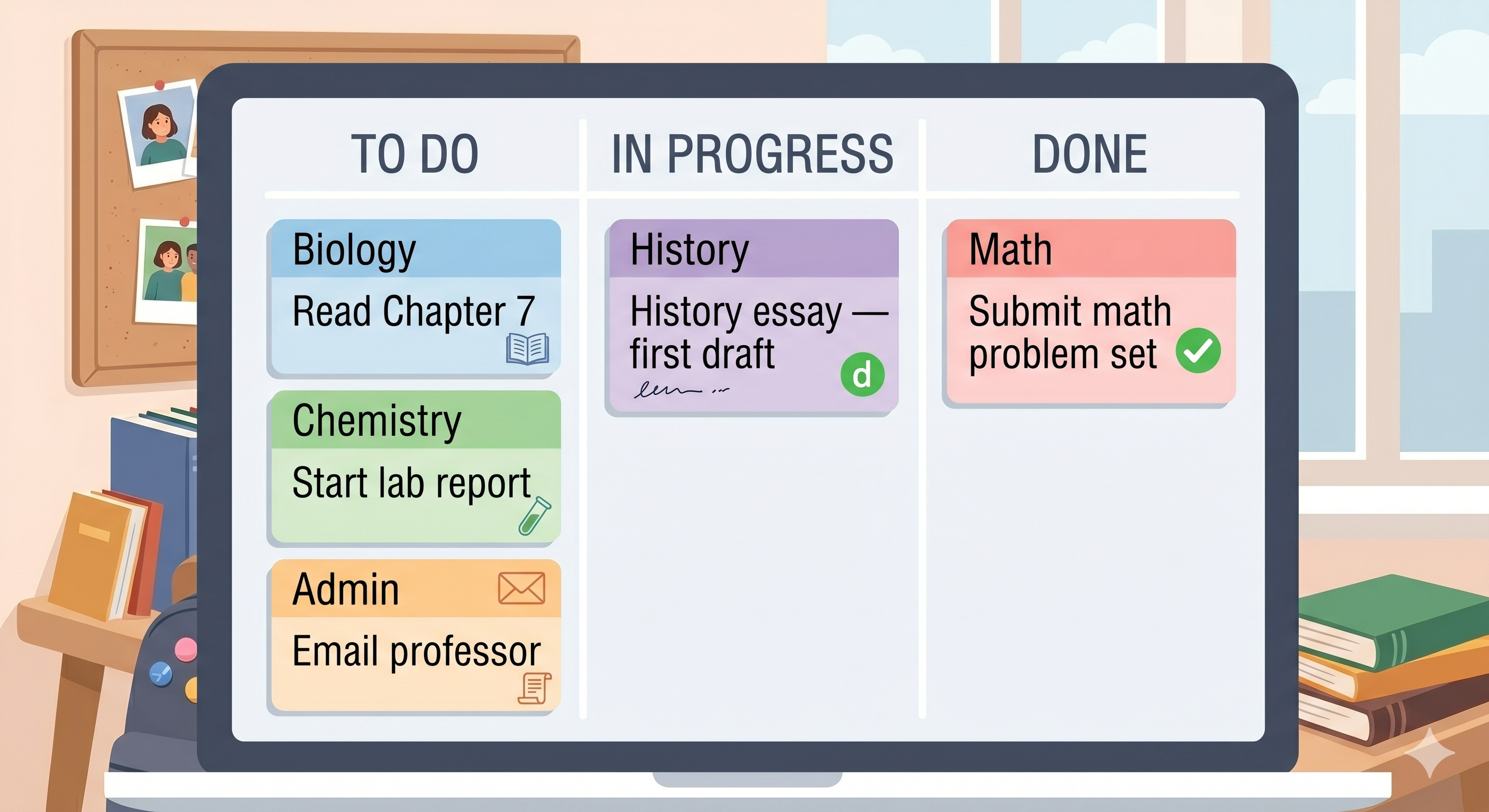
Create three columns — To Do, In Progress, Done. That's your starting point.
Add all your tasks. Go through each course syllabus and add every assignment, reading, and exam date. Don't worry about order yet — just get everything out of your head and onto the board.
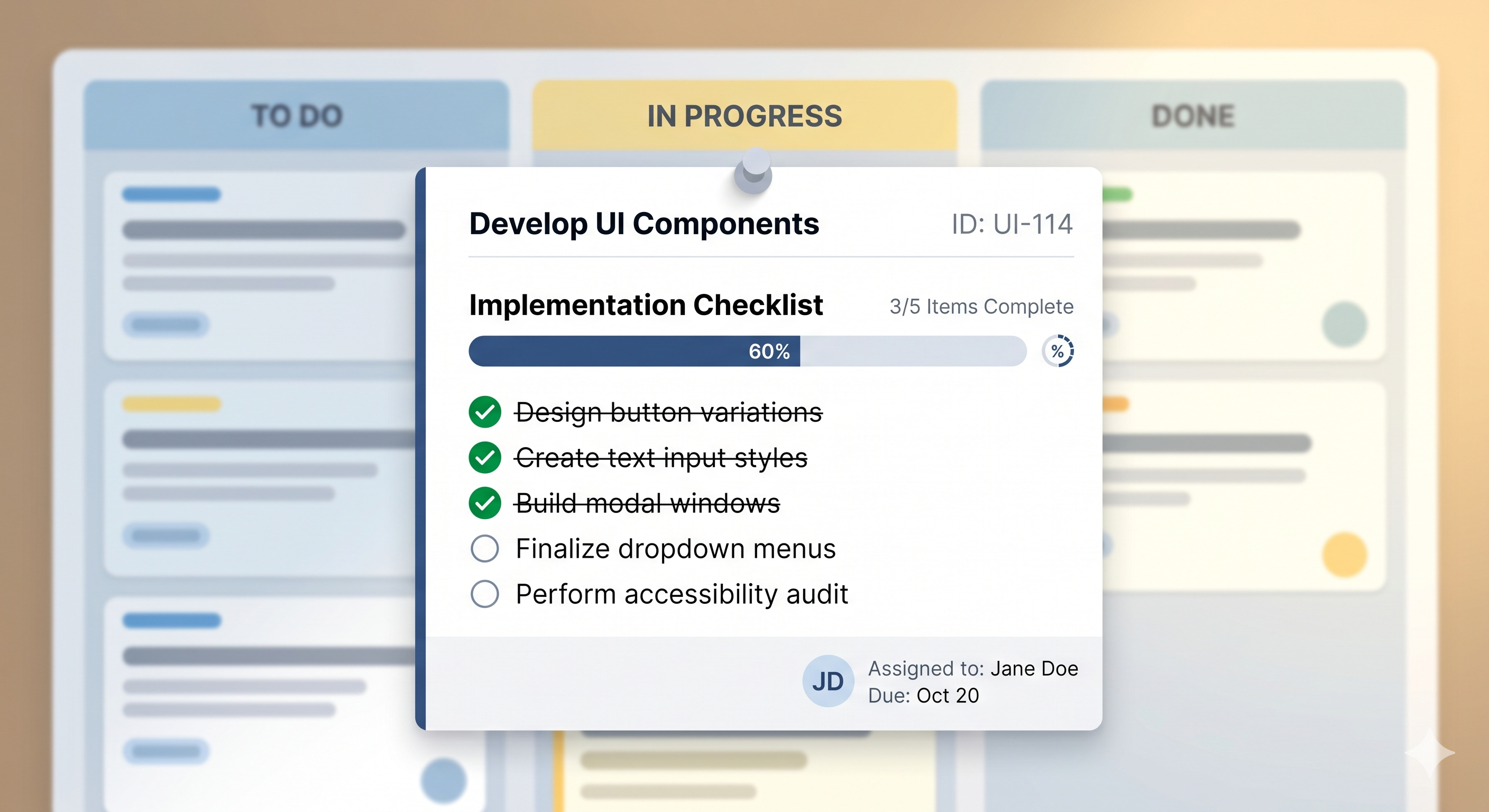
Set priorities. That essay worth 40% of your grade? That's a Fire priority. The optional reading? That's Low. Now you always know what matters most.
Add deadlines. This is the part that saves you from those 2 AM surprises. When every task has a due date, nothing sneaks up on you.
Now you just work through it. Pick a task, drag it to In Progress, do it, move it to Done. Every time a card moves to Done, that's one less thing on your mind.
Tricks That Work Great for Students
Color-code by course. If your board lets you use priorities or labels, use them to tell your courses apart. You'll instantly see if one course has way more tasks piling up than others.
Keep In Progress small. Two or three tasks at a time, max. You're not going to write an essay, do a problem set, and prepare a presentation all at once. Pick one, finish it, then pick the next.
Add tasks the moment you hear about them. Professor mentions a deadline in class? Add it to your board right there on your phone. Group member assigns you a section? Card goes on the board. Don't tell yourself you'll remember later — you won't.
Do a quick review on Sunday evening. Take five minutes to look at the week ahead. What's due? What needs to start? This one habit stops most of the last-minute panic.
Why SimplyKanban Works for Students
Most project management tools are built for workplaces. They ask you to set up teams, choose plans, configure workflows. That's not what a student needs.
SimplyKanban is different. You sign up with your email, and your board is ready. Add tasks, set priorities, add deadlines, drag things around. It works on your laptop and on your phone — so you can check it between lectures or on the bus.
The free plan gives you everything — unlimited tasks, priorities, deadlines, sort, filter, search. No credit card. No ads. No trial that runs out before finals.
→ Create your free board at simplykanban.online/register
Your Future Self Will Thank You
The students who survive uni without constant stress aren't smarter than everyone else. They just have a system.
A Kanban board is the simplest system you can have. One board. All your tasks. Clear priorities. Visible deadlines.
Stop relying on your memory. Start moving cards.