You write a to-do list every morning. By the end of the day, half the items are still there. So you copy them to tomorrow's list. And the next day. And the next.
After a while, some tasks have been on your list so long they feel like permanent residents. You stop noticing them. They just... live there.
Sound about right?
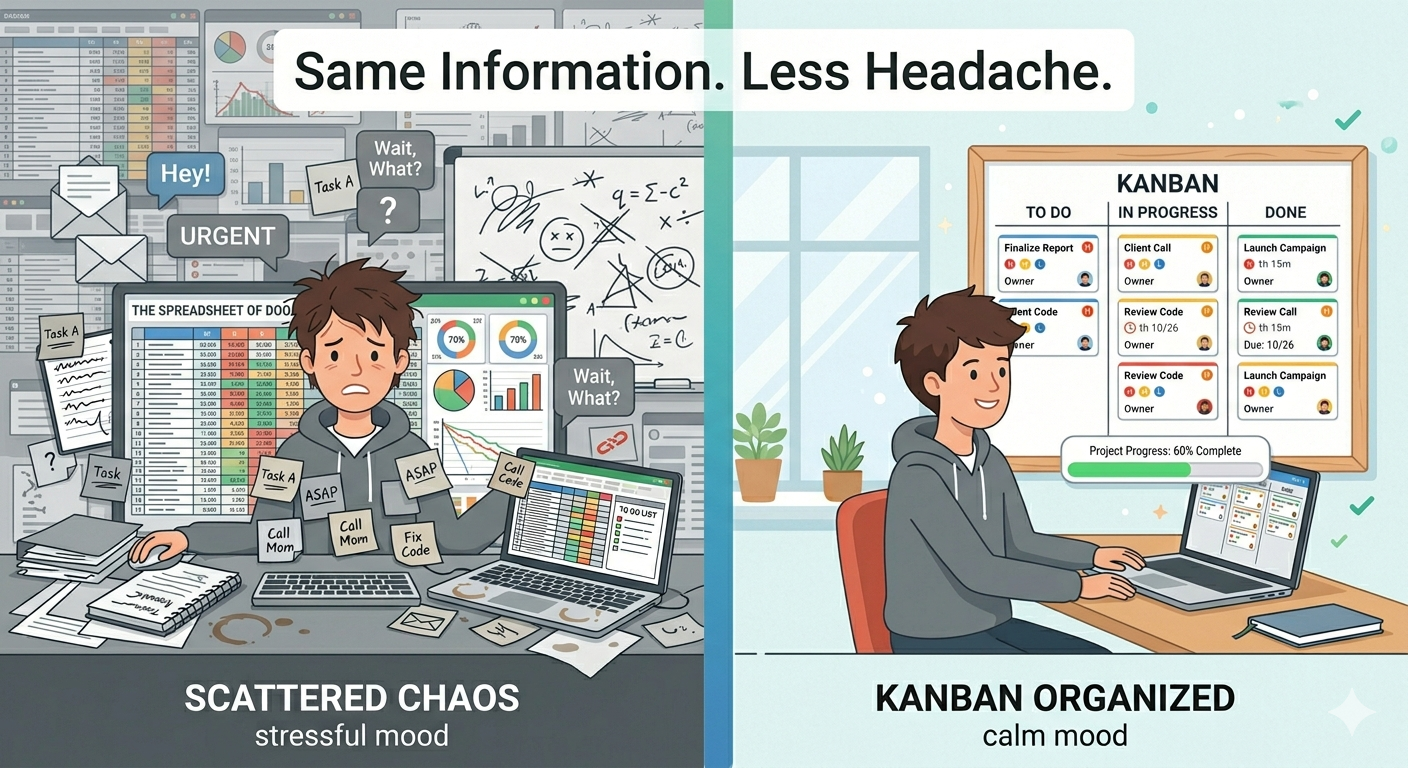
The problem isn't you. The problem is the list. A plain to-do list is actually a terrible tool for getting things done. And there's a simple reason why.
Why To-Do Lists Don't Work
A to-do list does one thing: it tells you what you need to do. That's it. And that's not enough.
It doesn't show you what you're working on right now. It doesn't show you what's almost finished. It doesn't tell you what's most important. It's just a flat list of things, all looking equally urgent, all sitting in the same place.
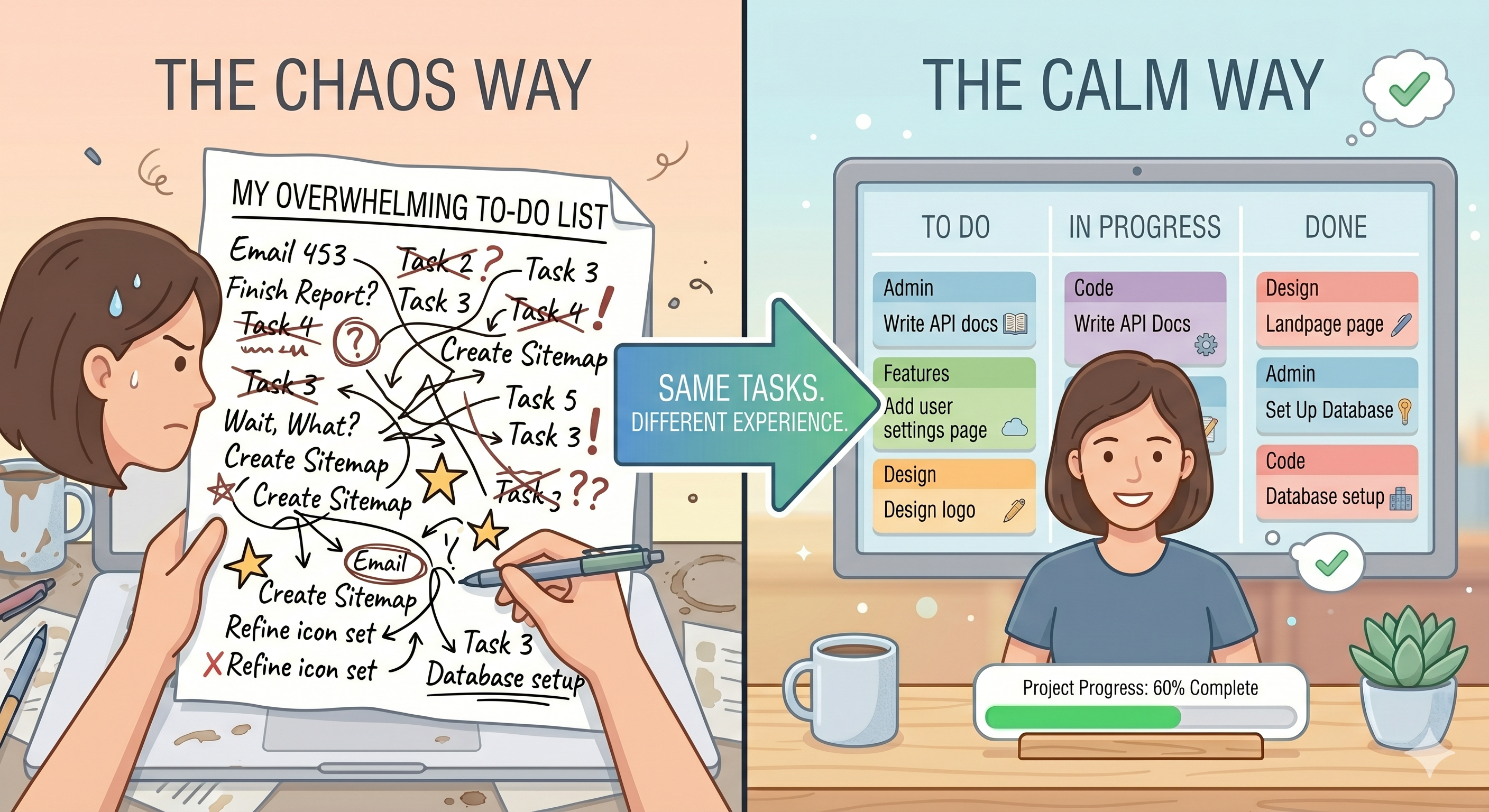
And here's the real problem — a to-do list never moves. You check things off, sure. But the list itself doesn't change shape. It doesn't give you a sense of flow or progress. Finishing three tasks out of twenty still looks like you have a massive list. That's not motivating. That's exhausting.
There's also no limit. You can keep adding things forever. Monday's list has 8 items. By Friday it has 23. You never feel like you're winning — you just feel like you're falling behind.
What If Your Tasks Could Move?
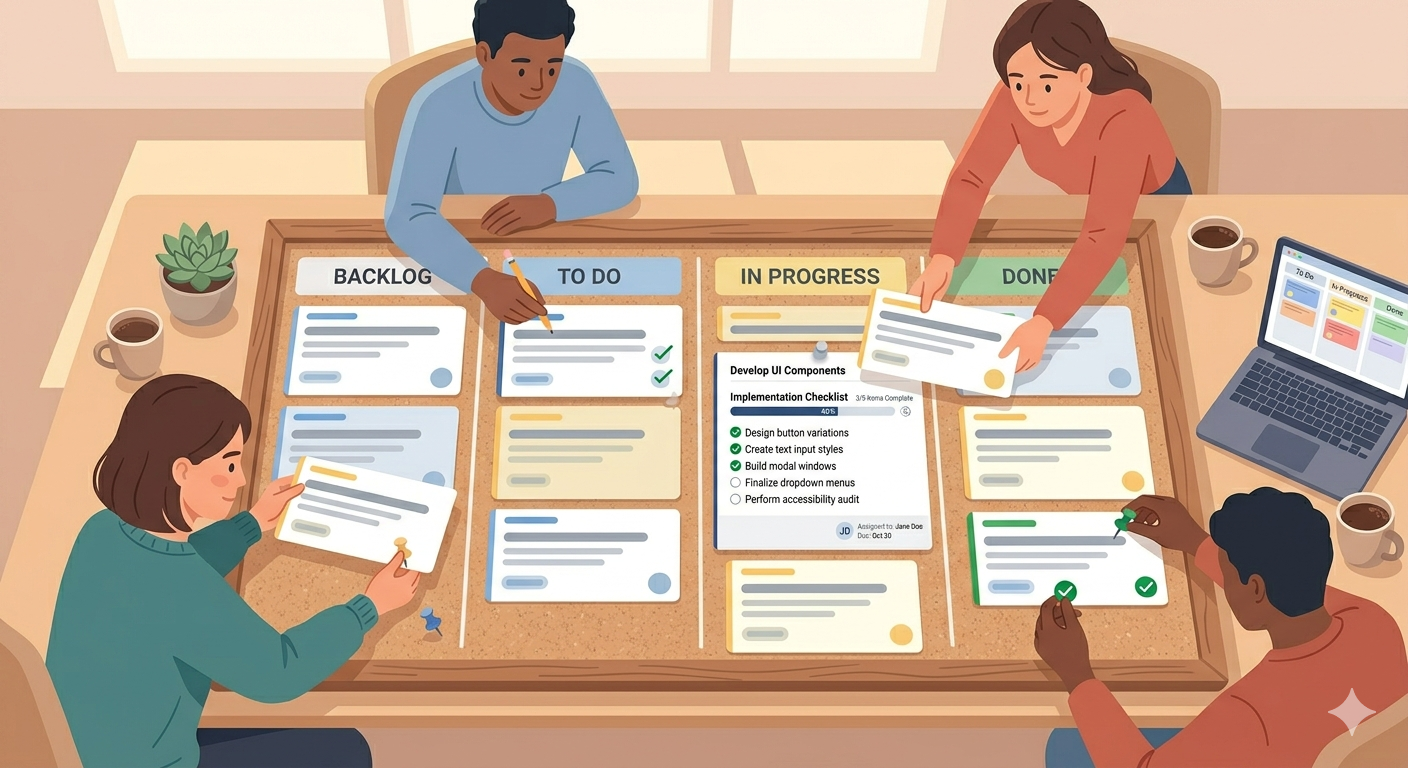
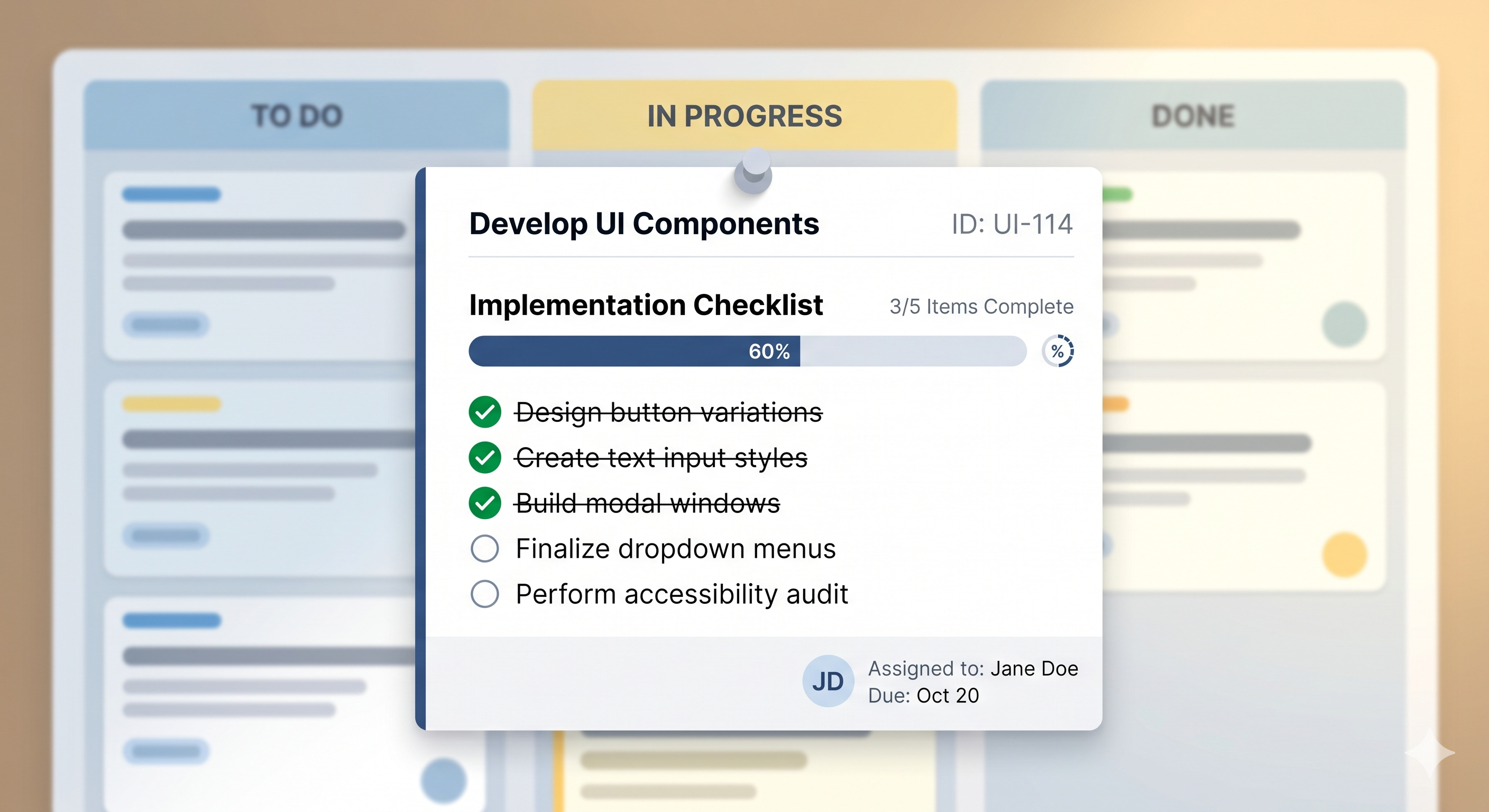
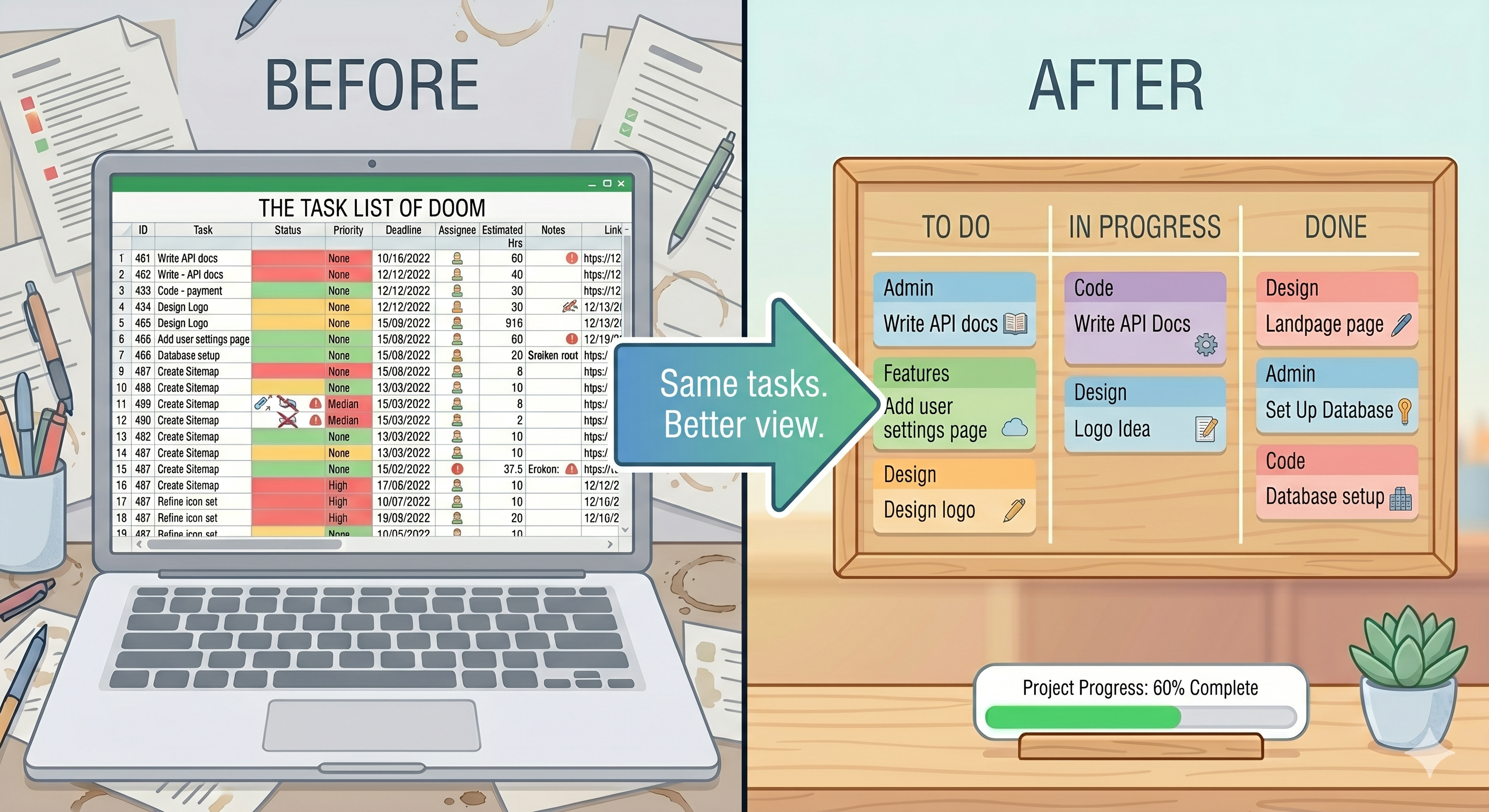
This is the core idea behind a Kanban board. Instead of a flat list, your tasks live on cards that move across columns.
To Do → In Progress → Done.
That movement changes everything. When you drag a card to "In Progress," you're telling yourself: this is what I'm doing right now. When you drag it to "Done," you can see it there. It's finished. It's not on your list anymore — it's in the Done column, proof that you got something done.
Over time, your Done column fills up. And looking at it feels great. Way better than staring at the same list with a few checkmarks.
A Kanban board takes your to-do list and gives it direction. Tasks aren't just sitting there anymore — they're going somewhere.
The Two Habits That Make It Work
Switching from a list to a board is a good first step. But two small habits make the real difference.
Keep your In Progress column small. This is the most important rule. Don't put six tasks in progress at once. Pick two. Maybe three. Finish those before you start anything new. This one habit alone will change how much you get done in a day.
Set real priorities. On a to-do list, everything looks the same. On a Kanban board, you can mark what's urgent and what can wait. When you sit down to work, you always know what to do first — no more staring at a list trying to decide.
These two habits — limit your active work and know your priorities — are the reason Kanban works. It's not magic. It's just focus.
From List to Board in 30 Seconds
If you want to try this, SimplyKanban makes it easy.
Sign up. Look at your board. Take today's to-do list and turn each item into a card. Set priorities — from Low to Fire. Add deadlines where they matter. Drag the most important task to In Progress.
Now work on that one thing.
That's the whole system. No learning curve. No features to figure out. Just your tasks, moving forward.
— Unlimited tasks on the free plan
— Priorities and deadlines
— Drag-and-drop columns
— Works on phone, tablet, and laptop
— No ads, no credit card
→ Start free at simplykanban.online/register
Your To-Do List Had a Good Run
To-do lists aren't bad. They're just limited. They show you what needs doing — but they don't help you actually do it.
A Kanban board does. It shows you what's next, keeps you focused, and gives you the satisfaction of watching tasks move to Done.
Try it once. Your to-do list won't be offended. Probably.