You've probably heard the word "Kanban" before. Maybe a coworker mentioned it. Maybe you saw it in an app. Maybe you Googled "how to organize my tasks" and it kept coming up.
But you never really tried it — because it sounded like one of those productivity methods that needs a whole book to explain.
Good news: it doesn't. Kanban is one of the easiest ways to manage your tasks, and you can start using it right now. Literally in 60 seconds. Let us show you how.
So What Is a Kanban Board?
Forget the fancy definitions. A Kanban board is just a way to see your work laid out in front of you.
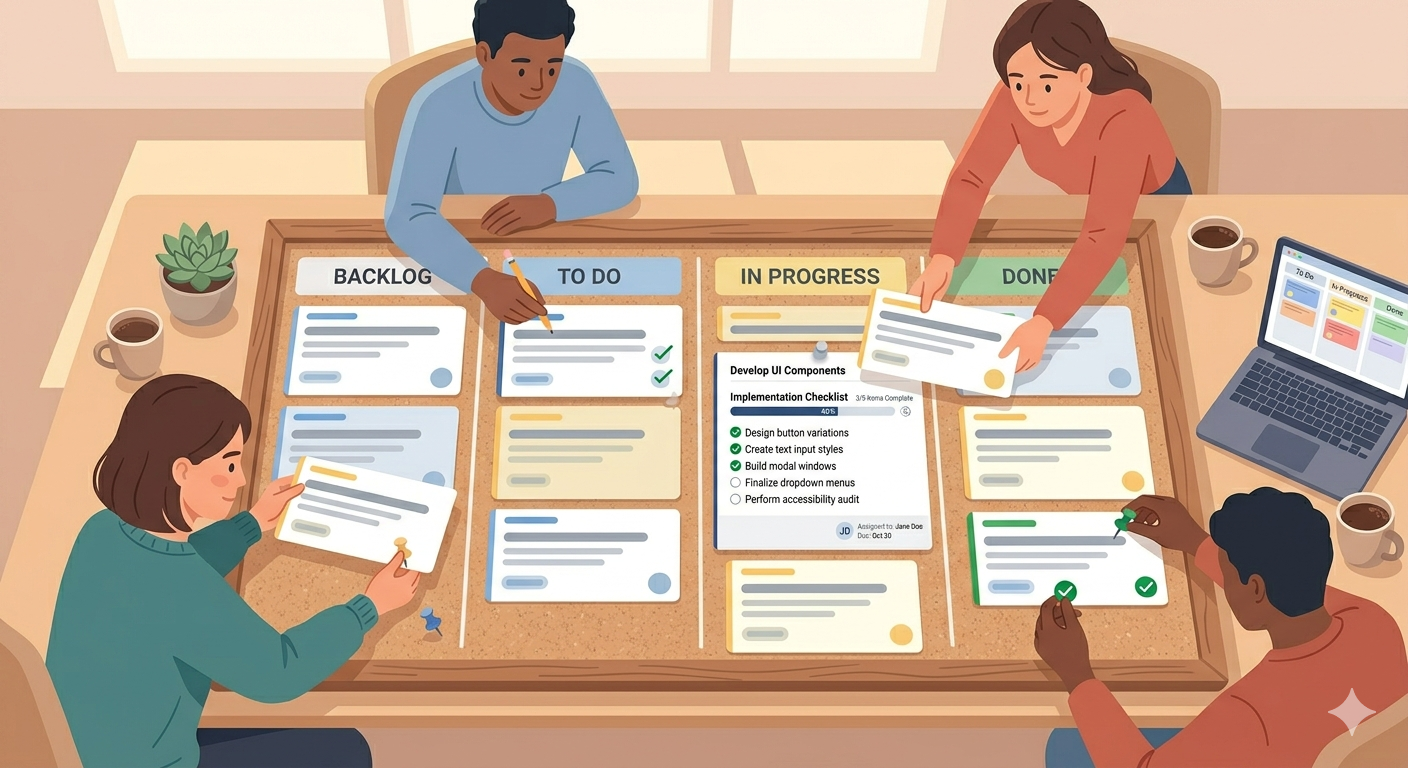
Picture a table with three columns:
To Do — stuff you need to do
In Progress — stuff you're working on right now
Done — stuff you finished
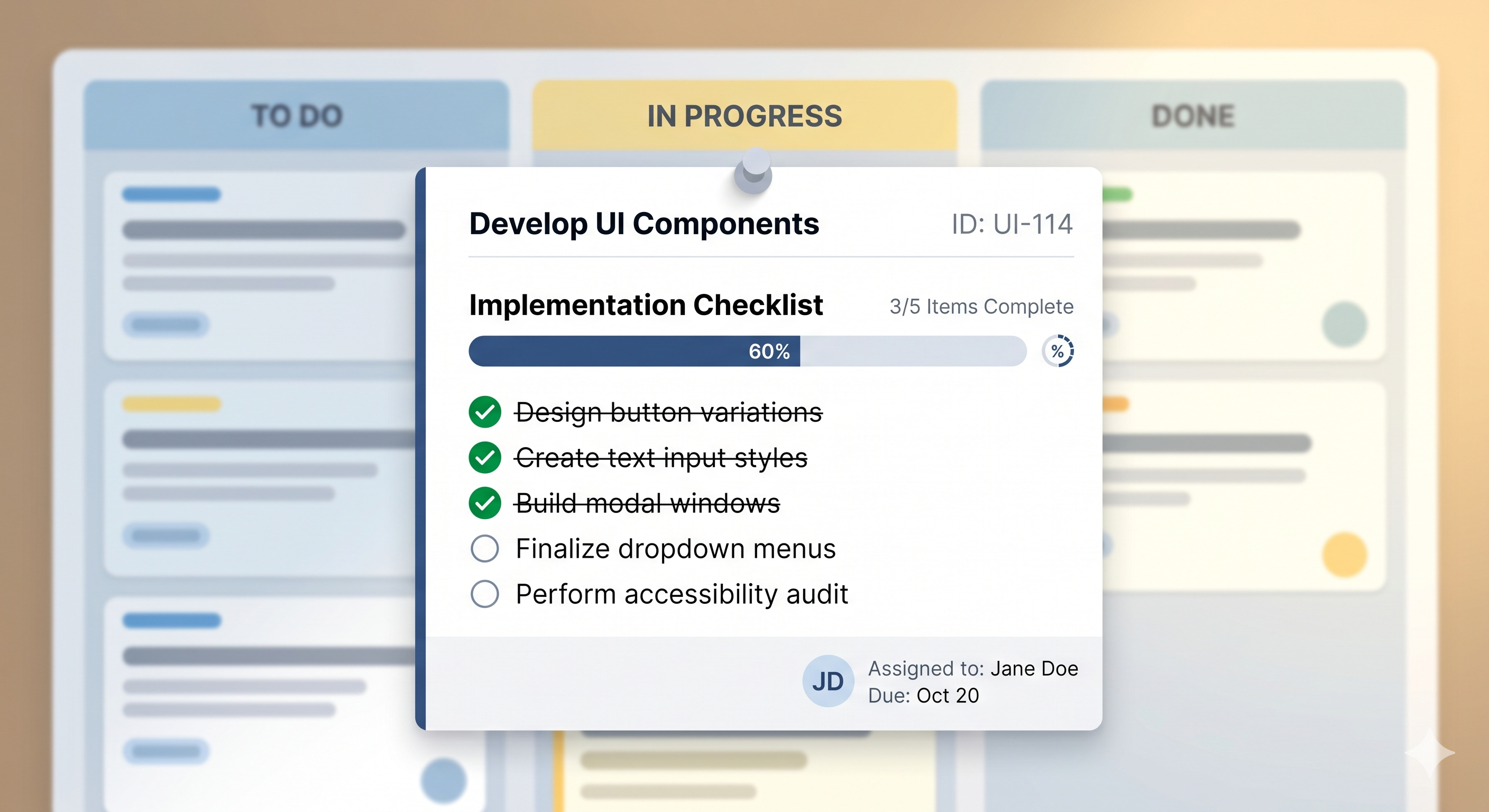
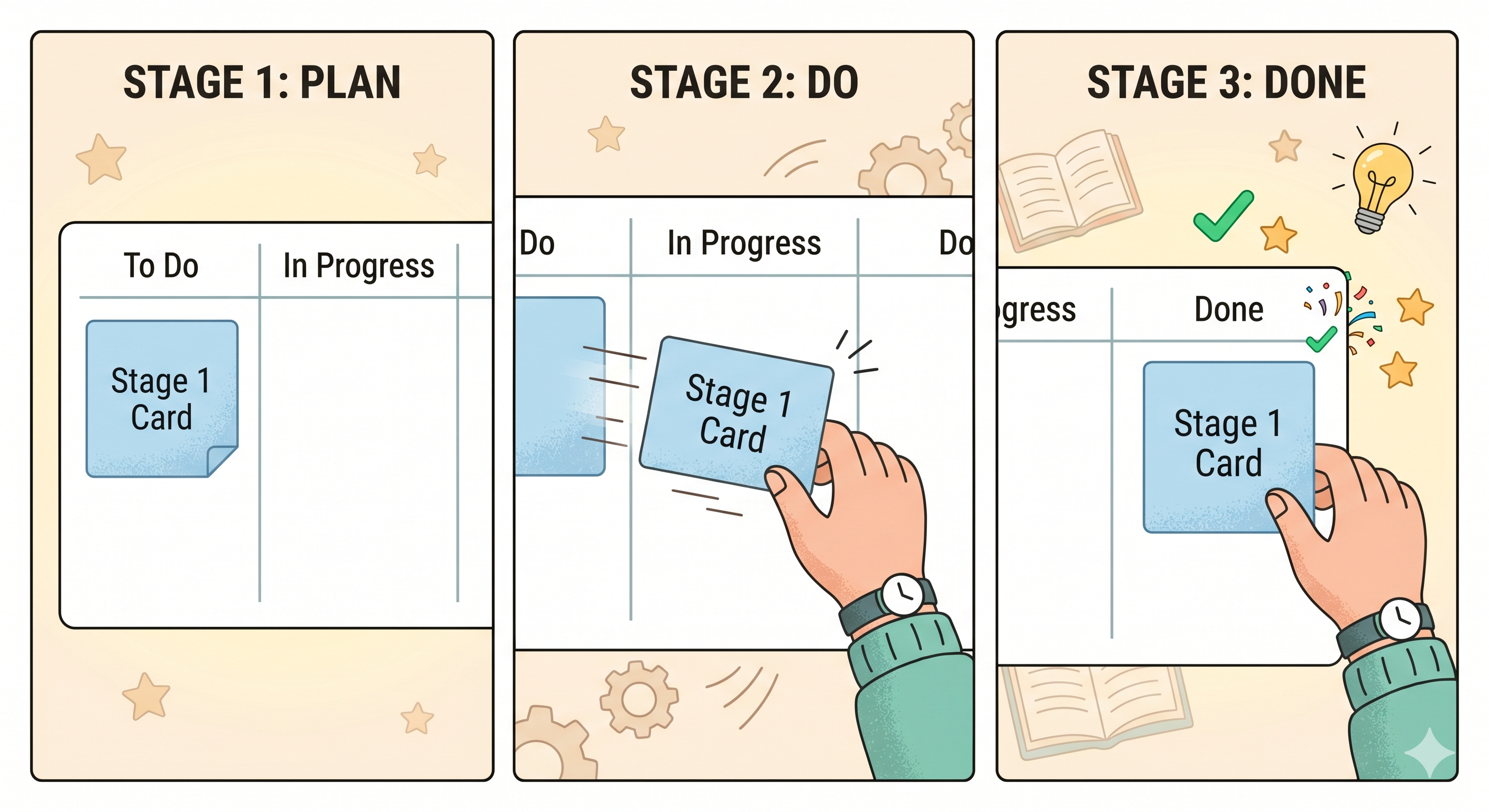
Each task goes on a card. You start it on the left. As you work on it, you move it to the middle. When you finish it, you drag it to the right.
That's Kanban. Really. That's the whole thing.
The word itself comes from Japanese — it means something like "visual card." And that's exactly what it is. Cards you can see, move, and track. No mystery here.
Why Does This Simple Thing Work So Well?
Because your brain likes seeing things.
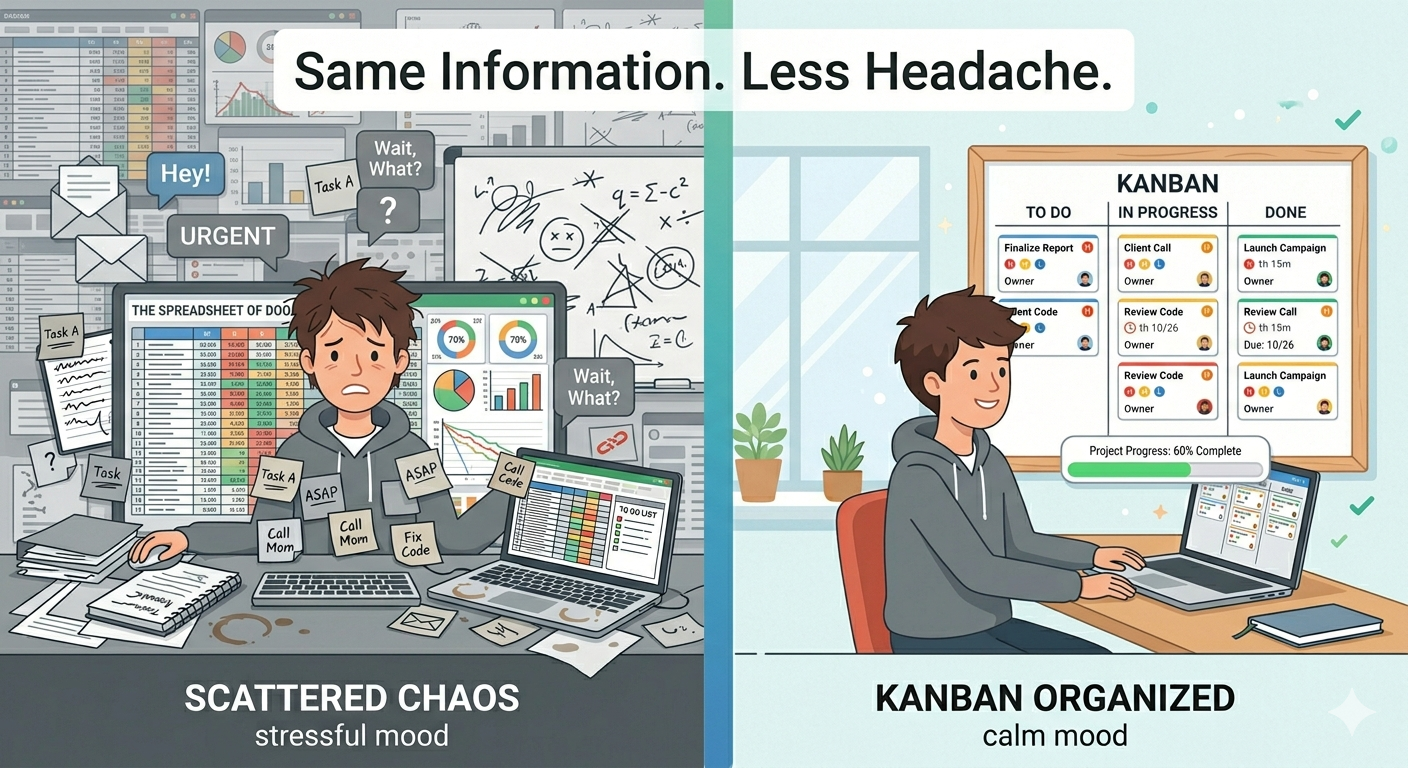
When your tasks are in your head, they feel heavy. You know you have a lot to do, but you can't quite tell what's most important or what you're forgetting. It's stressful.
When your tasks are on a board, they feel manageable. You can see everything at once. You know what's waiting, what's happening, and what's done. That's a big deal — even if it sounds small.
There's also a trick built into Kanban: you only work on a few things at a time. Instead of starting ten tasks and finishing none, you pick one or two, focus on them, and move them forward. Then you pick the next one.
Less juggling. More finishing. It's that simple.
How to Start Using Kanban in 60 Seconds
No setup guides. No training. Here's all you do:
One — Sign up for a free Kanban board. Something simple that doesn't ask you to configure anything. (We'd suggest SimplyKanban at simplykanban.online — you'll be looking at your board in under a minute.)
Two — Write down everything you need to do. Don't organize it. Don't rank it. Just get it all out of your head and onto the board. Every task goes into the "To Do" column.
Three — Pick one task. Just one. Drag it to "In Progress" Do that thing. When it's done, drag it to "Done"
Four — Repeat.
That's your whole system. You just started using Kanban. It didn't take a course or a book — just a board and a few cards.
A Few Tips Once You Get Going
After a day or two, you'll start to feel how nice it is to see your tasks moving across the board. Here are a few small habits that make it even better:
- Don't put everything in progress at once. Keep it to two or three tasks. Finish them before pulling in new ones. This is the secret sauce of Kanban.
- Add priorities. Not every task is equally important. Mark the urgent ones so they stand out. SimplyKanban lets you tag tasks from Low all the way up to Fire — so you always know what to do first.
- Set deadlines where they matter. Not everything needs a due date. But for the things that do, adding one helps you stay honest with yourself.
- Check your board every morning. Two minutes. Look at what's stuck, what's due, what's next. That quick check keeps everything moving.
Ready to Try It?
Kanban isn't a big commitment. It's not a whole new way of working. It's just a board, some cards, and the habit of moving things forward.
If you've been looking for a beginner-friendly way to manage your tasks — this is it.
→ Create your free board at here and start keeping your productivity under control.
No setup. No learning curve. Just your tasks, finally organized.