Be honest. You're tracking your tasks in a spreadsheet, aren't you?
Don't worry — no judgment here. Millions of people do it. You open Google Sheets or Excel, make a few columns — task name, status, deadline, priority — and off you go. It works... for about a week.
Then the spreadsheet grows. And grows. You start scrolling. You add colors. You add filters. You make a second tab. Then a third. And suddenly your "simple task list" has become a monster that takes more effort to maintain than the actual work.
There's a better way. And it takes 30 seconds to switch.
Why Spreadsheets Feel Right (But Aren't)
Spreadsheets are familiar. Everyone knows how to use one. They're flexible — you can build whatever you want. And they're free.
So why not use them for task management?
Because spreadsheets weren't designed for it. They were designed for data — numbers, calculations, tables. When you use them for tasks, you're forcing a tool to do something it was never built to do.
Here's what happens over time:
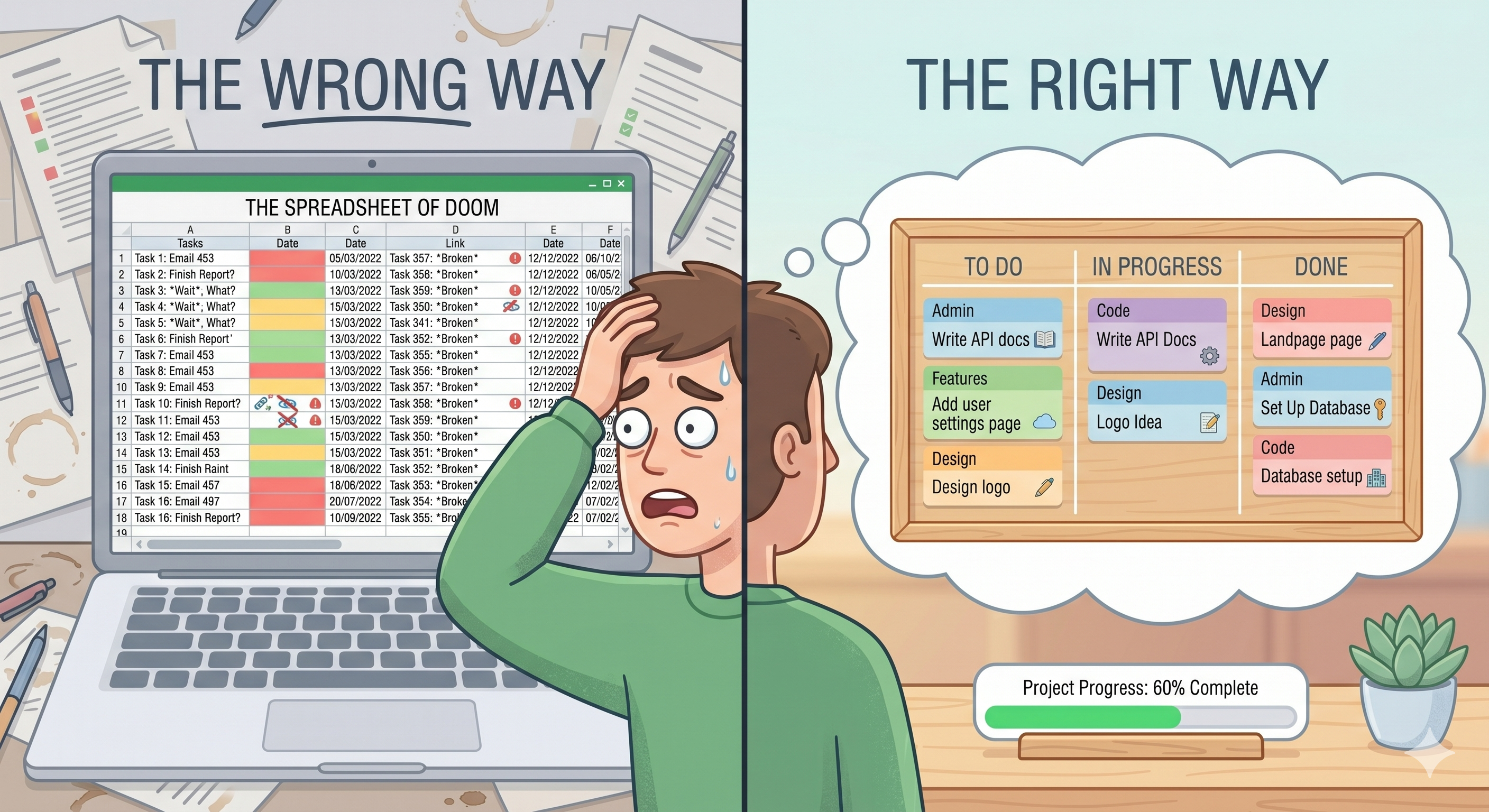
You can't see the big picture. A spreadsheet shows you rows. You have to read each row to understand what's going on. There's no quick way to glance at your work and know where things stand.
Status updates are manual and clunky. Changing a task from "In Progress" to "Done" means finding the right cell, clicking it, typing the new status. It sounds small, but it adds up.
Things get buried. Once you have 50 or 100 rows, tasks start hiding. Old tasks pile up. You forget what's at the bottom. Important things get lost in the noise.
There's no sense of progress. A spreadsheet doesn't move. It just sits there. You never get that feeling of dragging a task across a finish line.
What a Kanban Board Does Differently
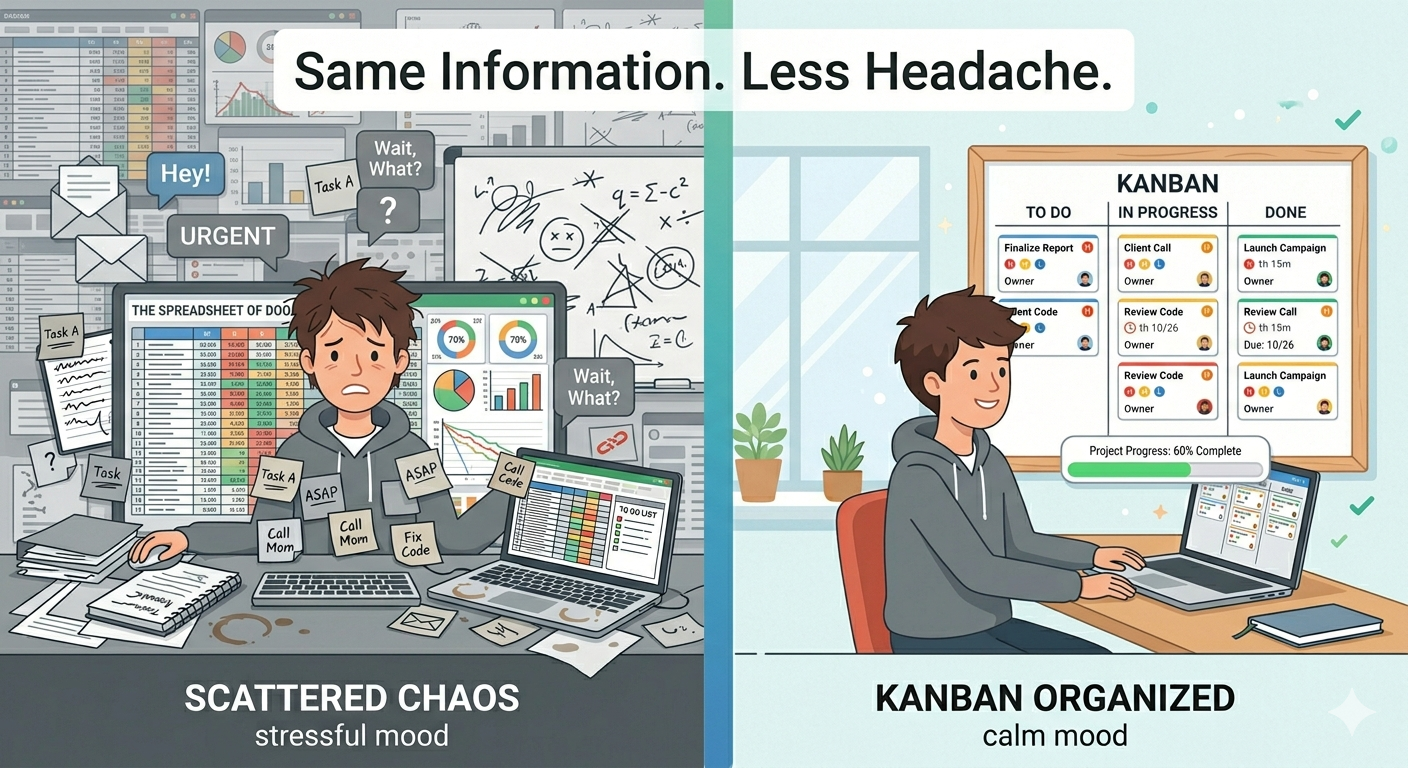
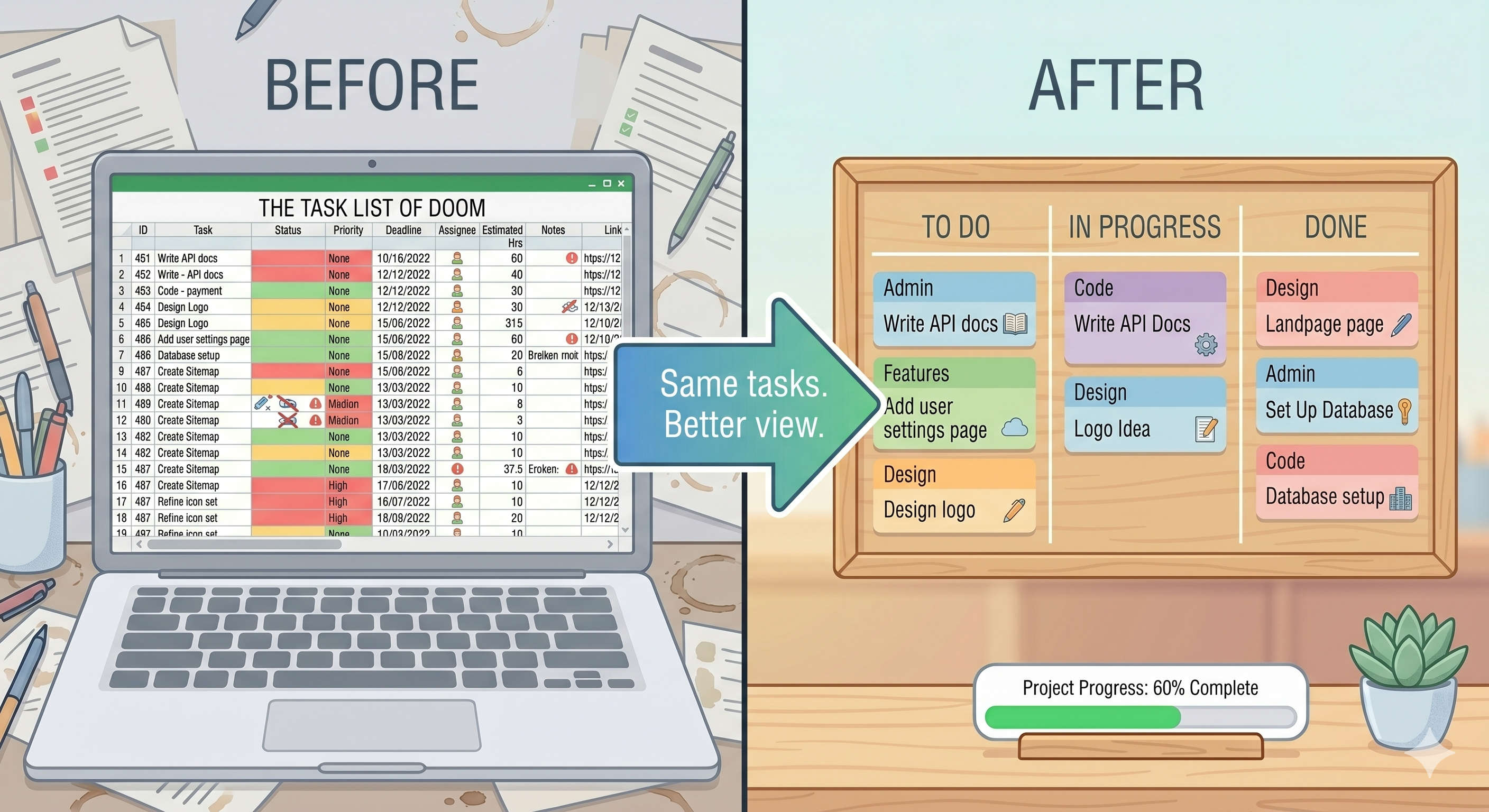
A Kanban board takes the same information — your tasks, priorities, deadlines — and makes it visual.
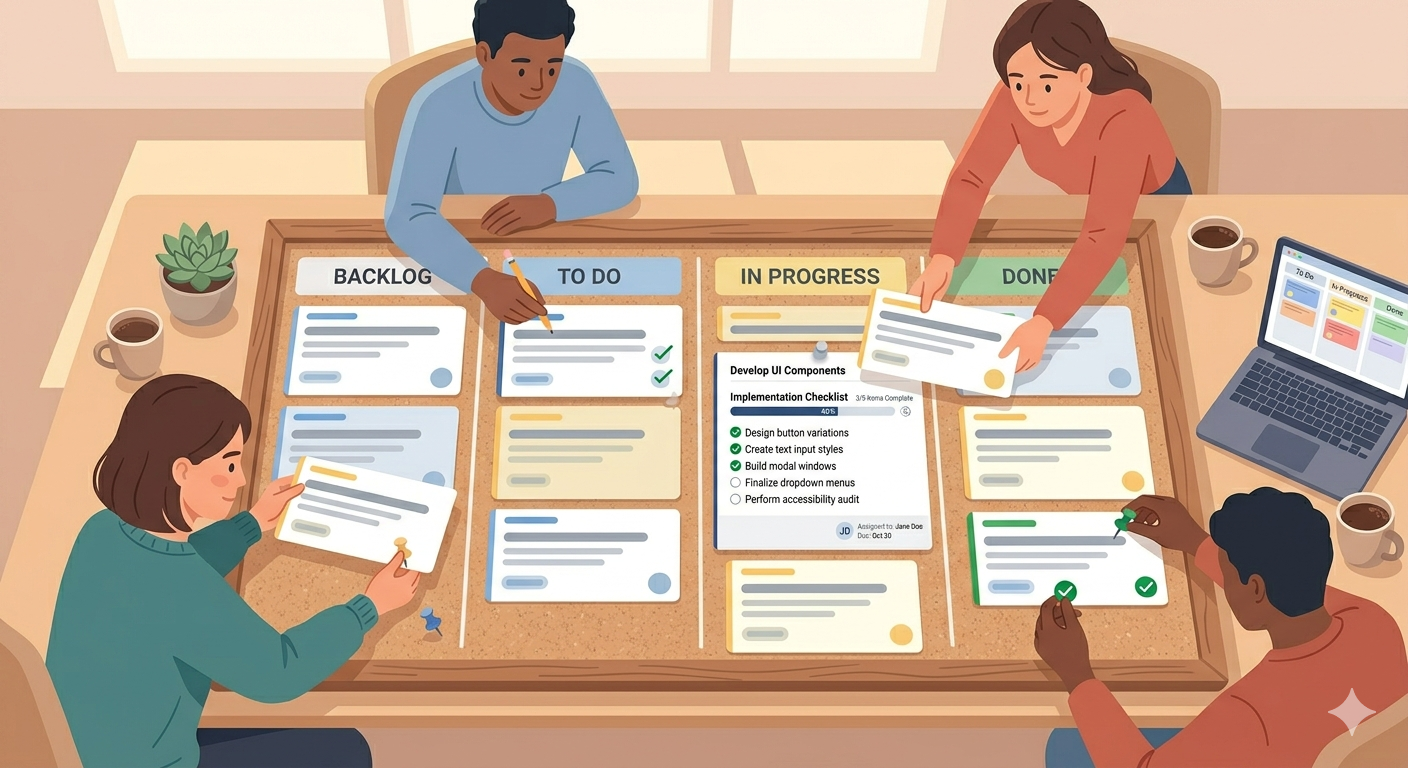
Instead of rows, you get columns: To Do, In Progress, Done. Instead of typing a status, you drag a card. Instead of scrolling through a giant list, you see everything laid out in front of you.
The difference sounds small, but it changes how you think about your work.
With a spreadsheet, your tasks are data. With a Kanban board, your tasks are things that move. You can see them flowing from start to finish. You can spot what's stuck. You can feel the progress.
And the best part — it takes less time to manage. No formatting, no formulas, no broken filters. Just cards and columns.
But I Like My Spreadsheet...
Fair enough. And you don't have to delete it tomorrow.
But try this: take the tasks from your spreadsheet and put them on a Kanban board. Just the active ones — not the 200 archived rows. Give it a week.
You'll notice a few things pretty quickly. Finding tasks is faster. Updating them is easier. And you'll actually enjoy checking your board — instead of dreading the spreadsheet.
Most people who try this don't go back.
Make the Switch in Under a Minute
SimplyKanban is a free Kanban board that does exactly what your spreadsheet is trying to do — but better.
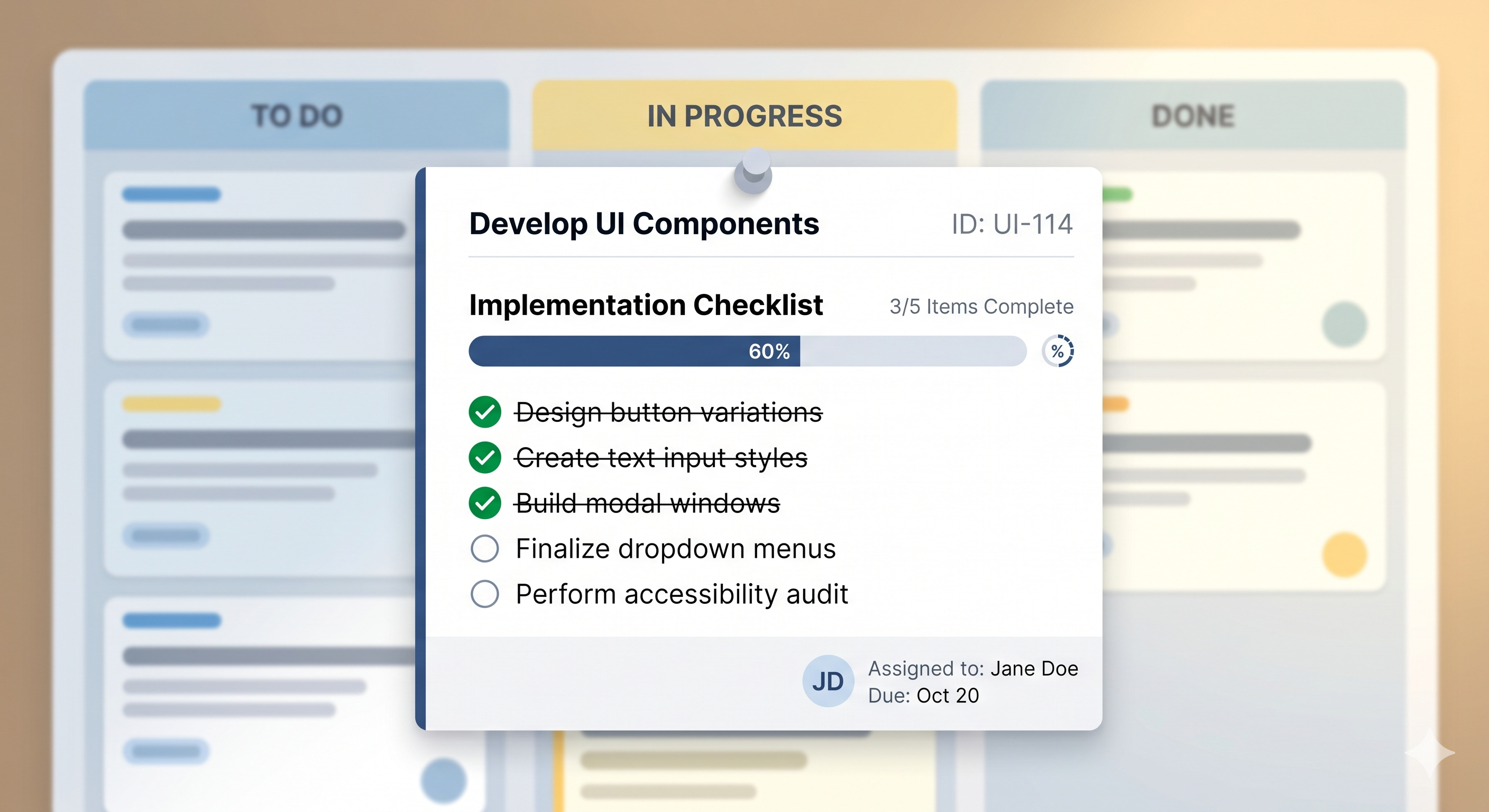
You sign up, you see your board, you start adding tasks. Set priorities. Add deadlines. Drag things between columns. Search and filter when you need to find something fast.
No formulas. No formatting. No broken cells.
— Unlimited tasks on the free plan
— Works on your phone, tablet, and laptop
— Priorities from Low to Fire
— Deadlines with overdue alerts
— Sort, filter, and search
— No ads, no tracking
→ Try it free at simplykanban.online/register
Your Tasks Deserve Better Than Row 147
Spreadsheets are great tools. Just not for this.
Your tasks need to be visible, easy to move, and easy to track. A Kanban board gives you all of that — without the scroll bar from hell.
Make the switch. It takes 30 seconds. And row 147 will finally be free.