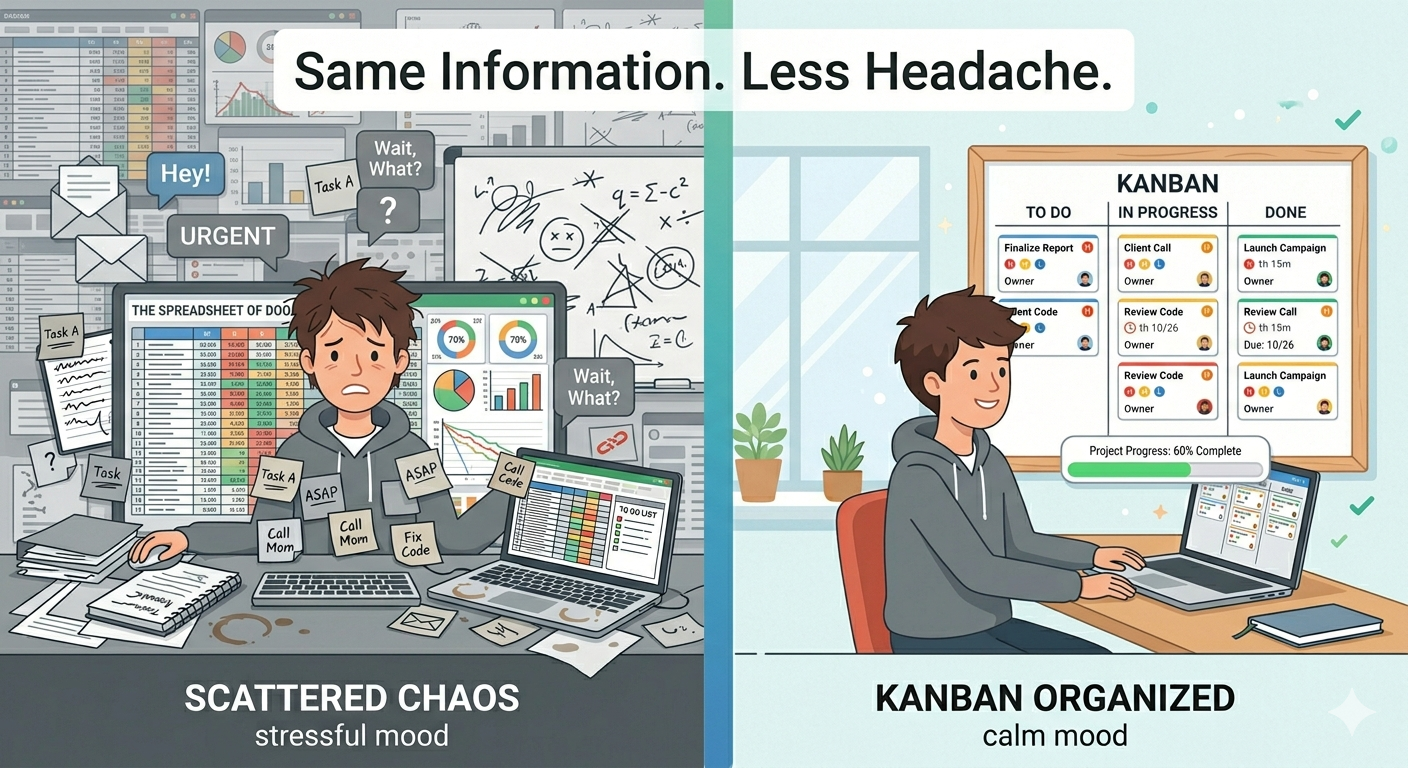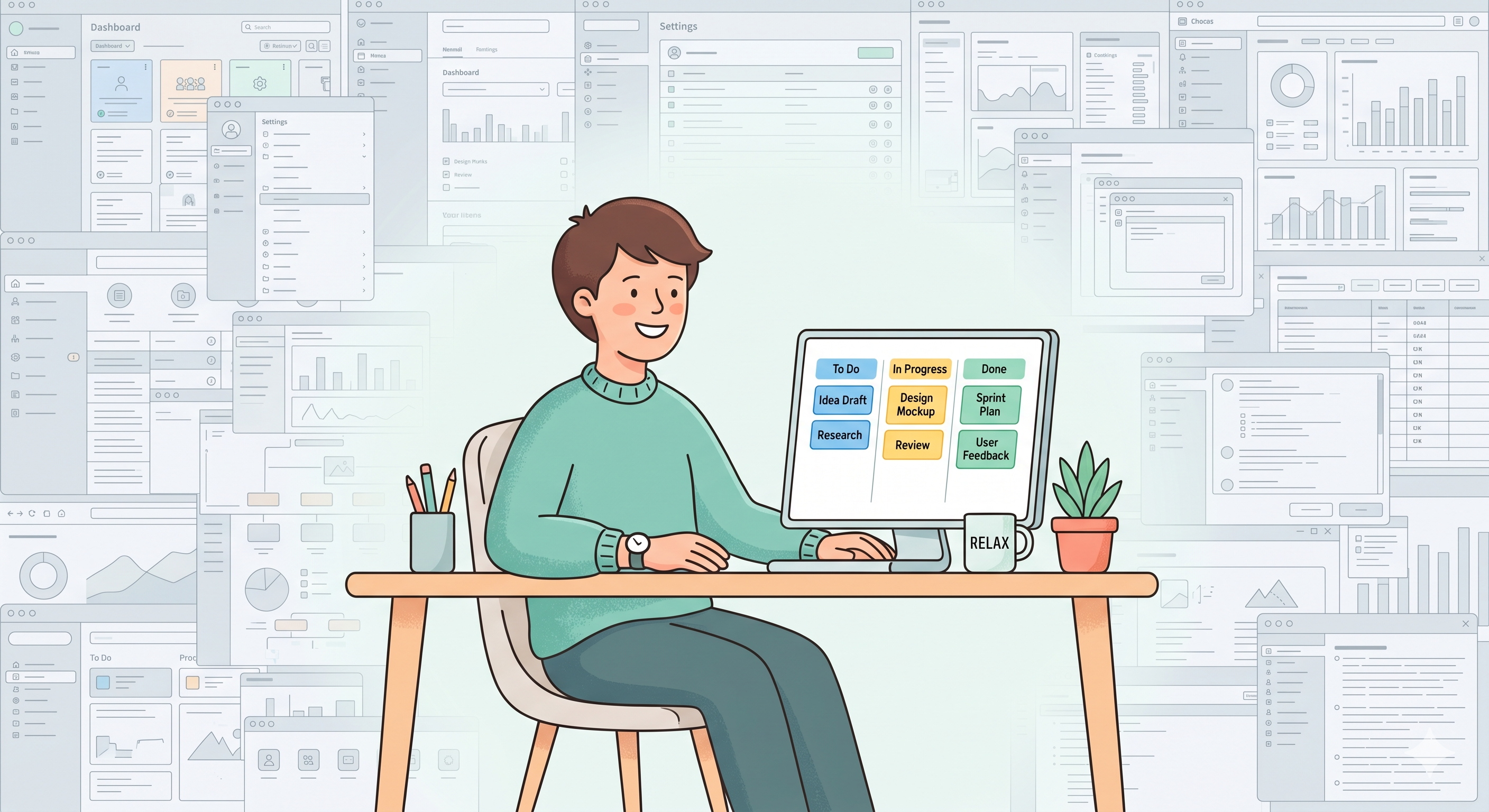
You wanted to organize your tasks. So you signed up for a project management tool. And then... you spent 20 minutes figuring out how it works. There are dashboards, settings, integrations, views, permissions, and things you didn't even ask for.
Sound familiar?
You're not alone. A lot of people go through this. They try tools like Jira, Asana, or ClickUp — and feel like they need a course just to create a task. These tools are powerful, sure. But if all you need is a clear way to see your work and move it forward, they're way too much.
That's exactly why simple Kanban boards exist. And that's why we built SimplyKanban.
What's a Kanban Board?
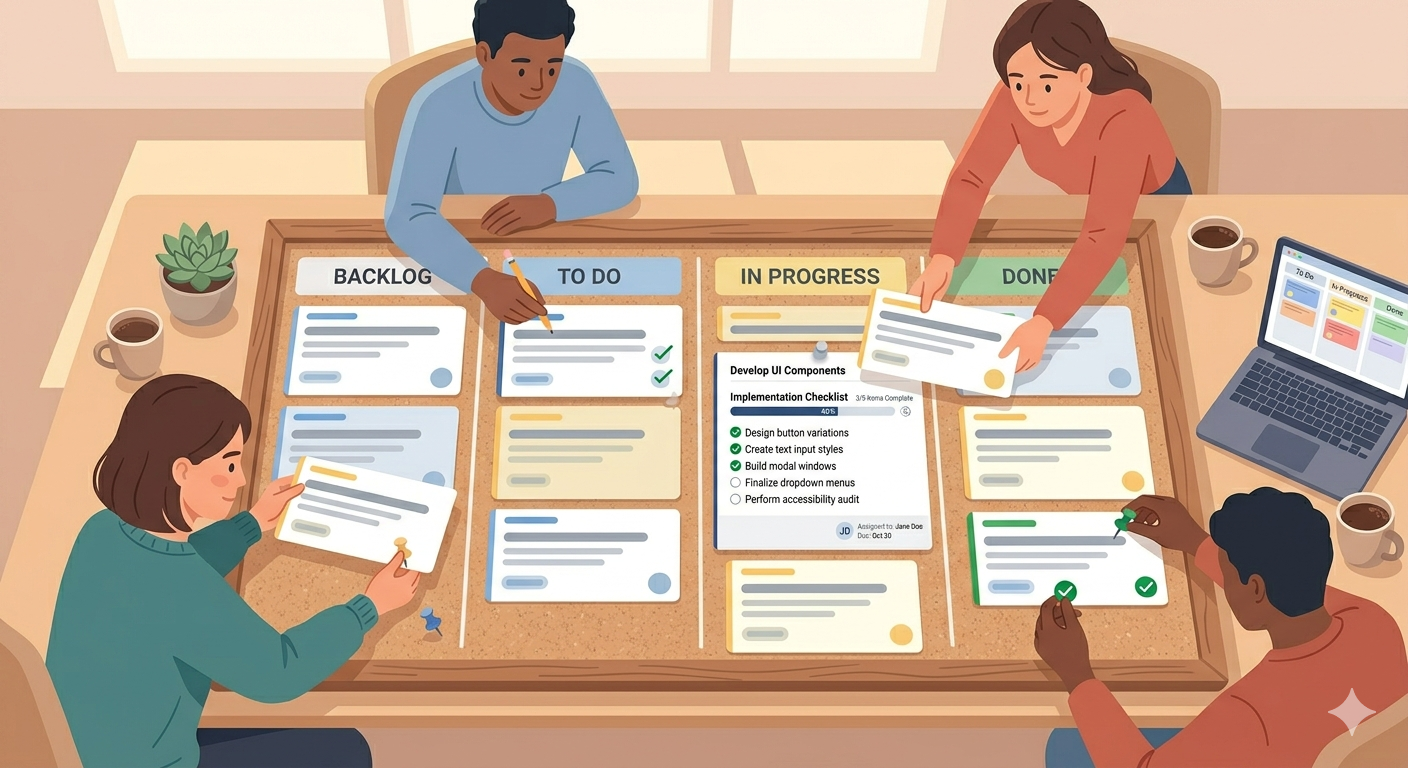
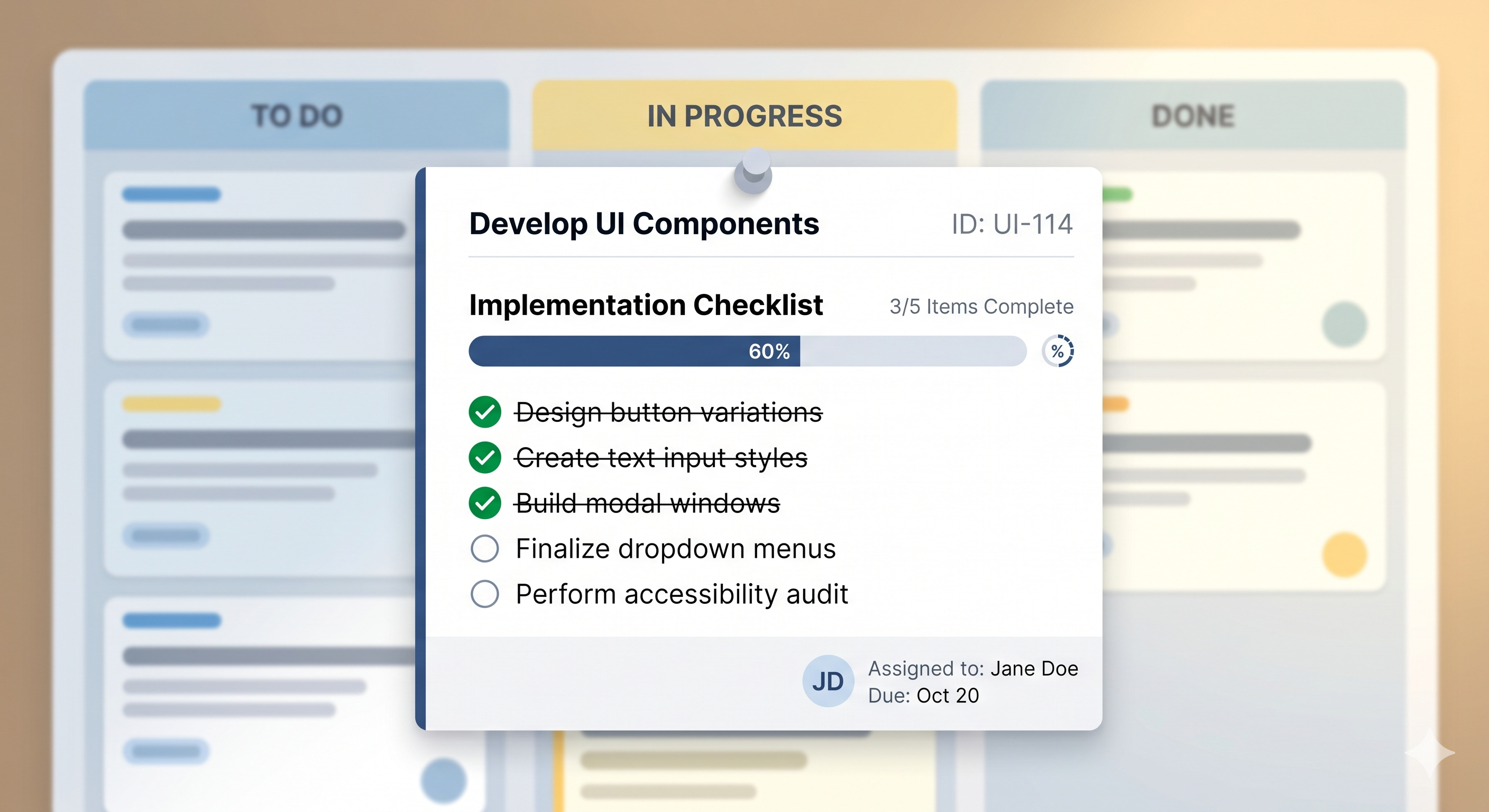
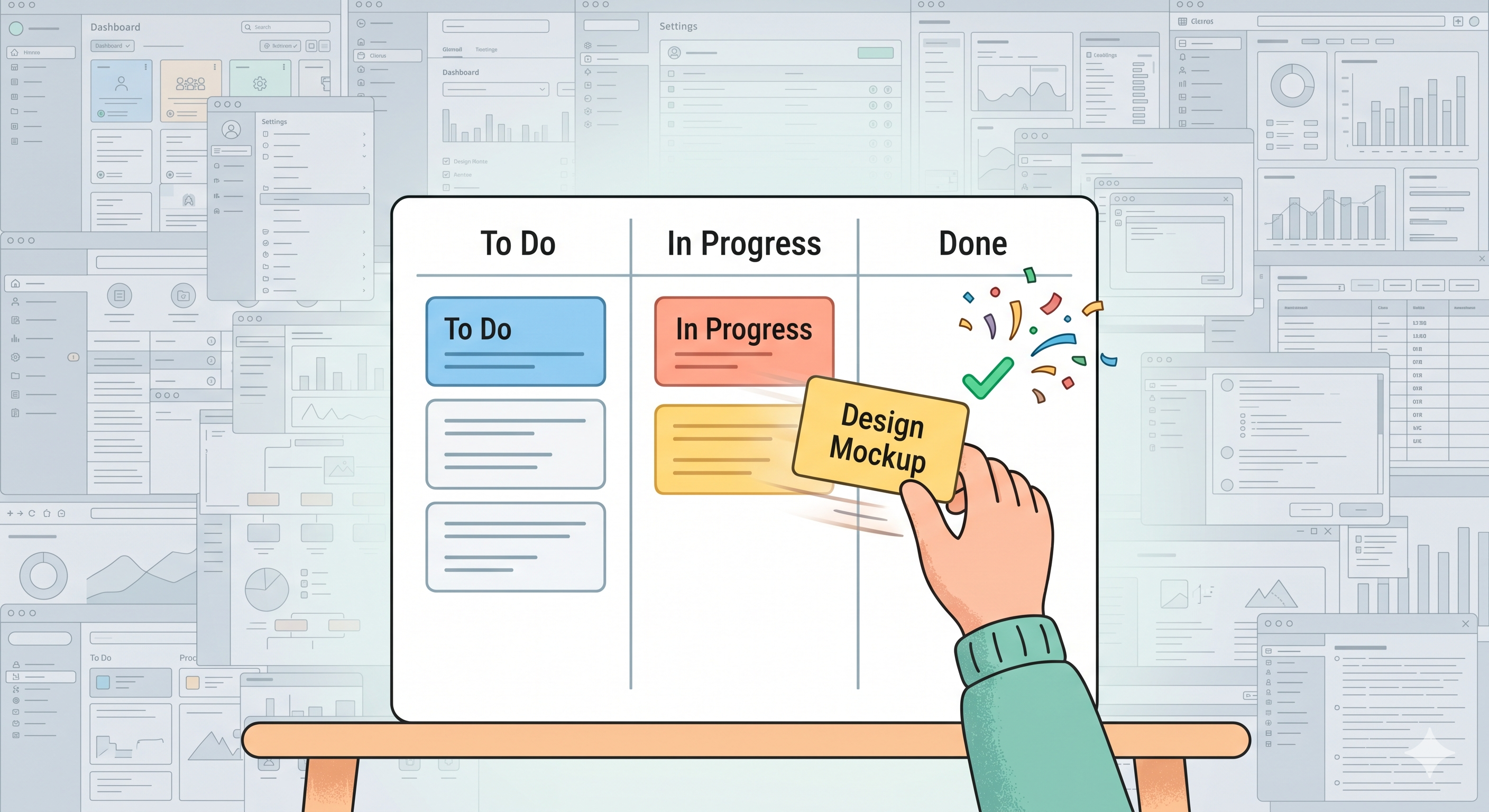
A Kanban board is a visual way to organize your tasks. Think of it as a table with columns. Each column is a step in your work — like "To Do," "In Progress," and "Done." Your tasks sit on cards, and you move them from left to right as you work on them.
That's really it.
No sprints. No complex workflows. No need to learn new words. You see your tasks, you pick one, you do it, you move it. It feels good. And more importantly — it works.
Why Do Simple Tools Work Better?
Here's something people don't talk about enough: the best tool is the one you actually use.
A fancy app with 100 features sounds great on paper. But if it takes too long to set up, or if you need to click five times just to add a task — you'll stop using it. We've all done this. We sign up, play around for a day, and then go back to writing things on sticky notes.
Simple tools win because they don't get in the way. You open them, you use them, you close them. No friction. No learning curve. Just your tasks, laid out in front of you, easy to move and easy to track.
That's what a good Kanban board gives you. A clear picture of your work — and nothing else.
Who Needs a Simple Kanban Board?
Honestly? More people than you'd think.
If you're a freelancer — you've got clients, deadlines, invoices, and ideas all floating around. A Kanban board puts all of that in one place so nothing falls through the cracks.
If you work in a small team — you need a shared space where everyone can see what's happening. Not a tool that takes a week to set up. Just a board where you add tasks, assign priorities, and get moving.
If you're building something on the side — a project, a business, a blog — your time is limited. You can't waste it learning how a tool works. You need something that works the moment you sign up.
And if you're just someone who wants to stay on top of daily life — groceries, appointments, goals, whatever — a simple task board can help more than you'd expect.
What Makes SimplyKanban Different?
We didn't build SimplyKanban to compete with Jira. We built it for people who looked at Jira and said "this is too much."
SimplyKanban gives you a clean Kanban board that works on any device — your laptop, phone, or tablet. You sign up, and you're looking at your board in seconds. Add tasks, set priorities from Low to Fire, add deadlines, drag cards between columns. That's your whole workflow.
No tutorials needed. No settings to configure. No features you'll never touch.
Here's what you get with the free plan:
— Unlimited tasks
— Drag-and-drop columns
— Priorities and deadlines
— Sort, filter, and search
— Mobile-friendly design
— No ads, no tracking
It's a task manager that respects your time. And it's free to start — no credit card, no trial that expires.
Ready to Keep It Simple?
If you're tired of tools that make you work harder just to manage your work — give SimplyKanban a try.
Sign up takes 30 seconds. Your board is ready right away. And you might be surprised how good it feels to finally have a task manager that just... makes sense.
→ Start your free board at SimplyKanban
No clutter. No complexity. Just clarity.