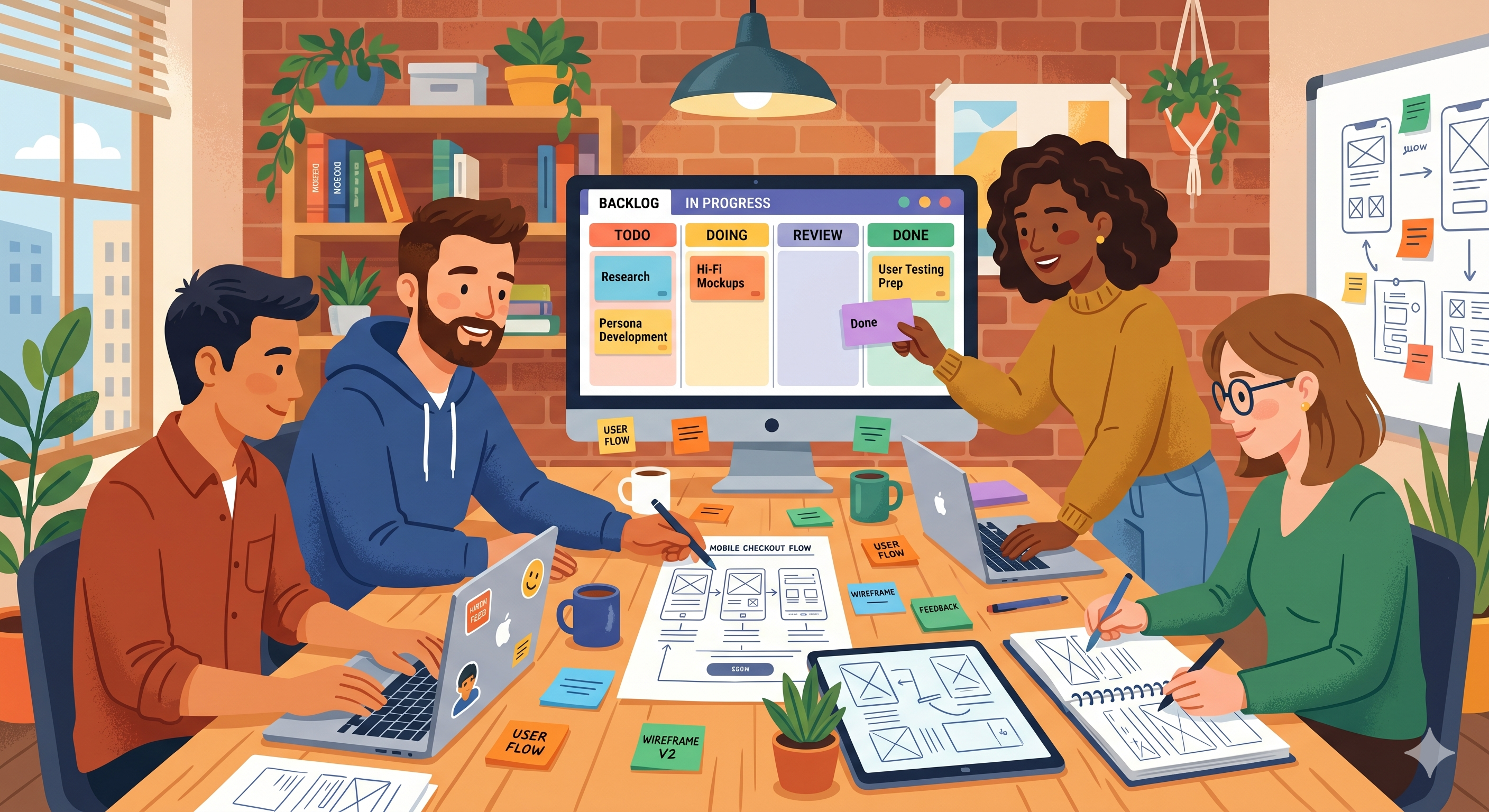
UX design is messy work. Not in a bad way — it's just that the process has a lot of moving parts. Research, wireframes, prototypes, user testing, feedback, revisions, handoff to developers. And all of it is happening across different projects, different screens, and different people.
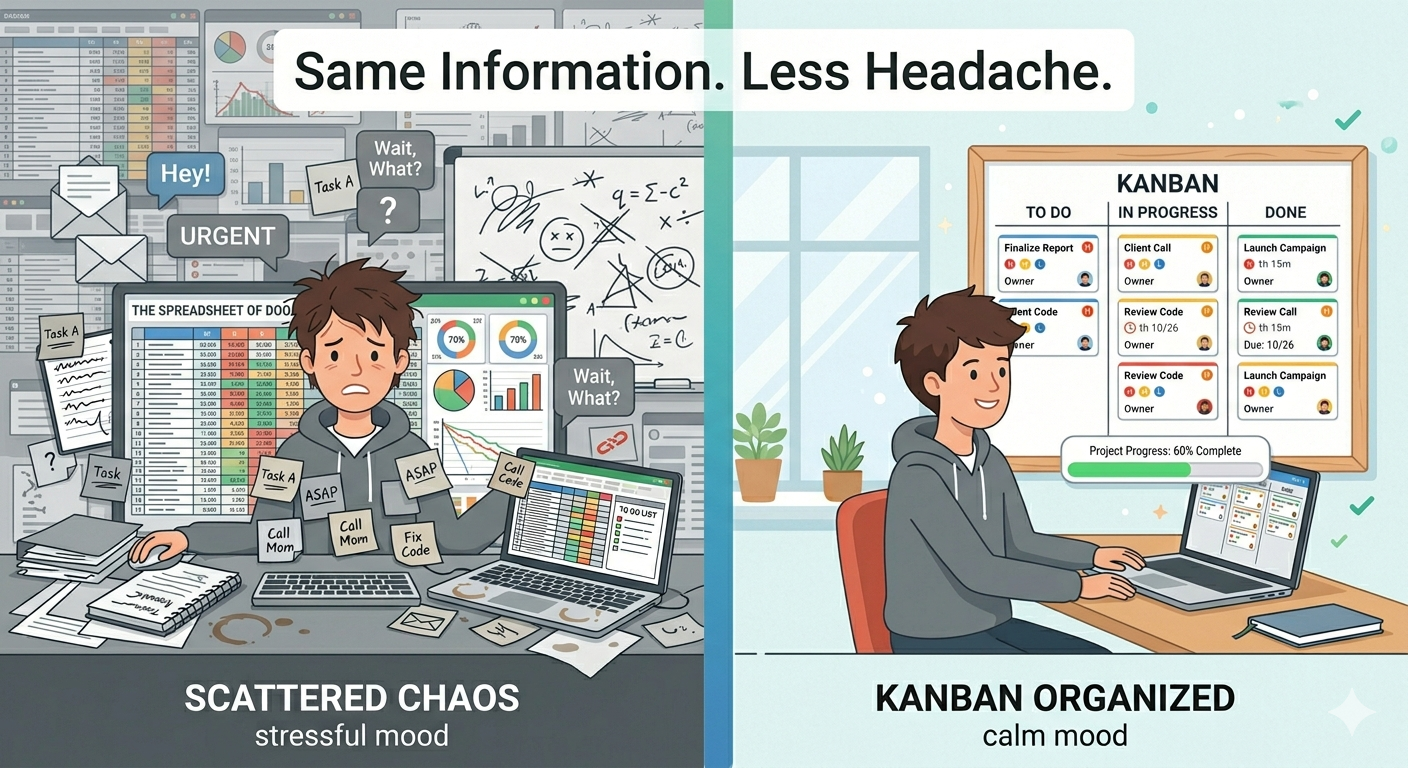
Most UX teams track their work in tools like Jira or Notion. And those tools are fine — but they're not always great at showing the big picture. Where is each task right now? What's stuck? What's waiting for feedback?
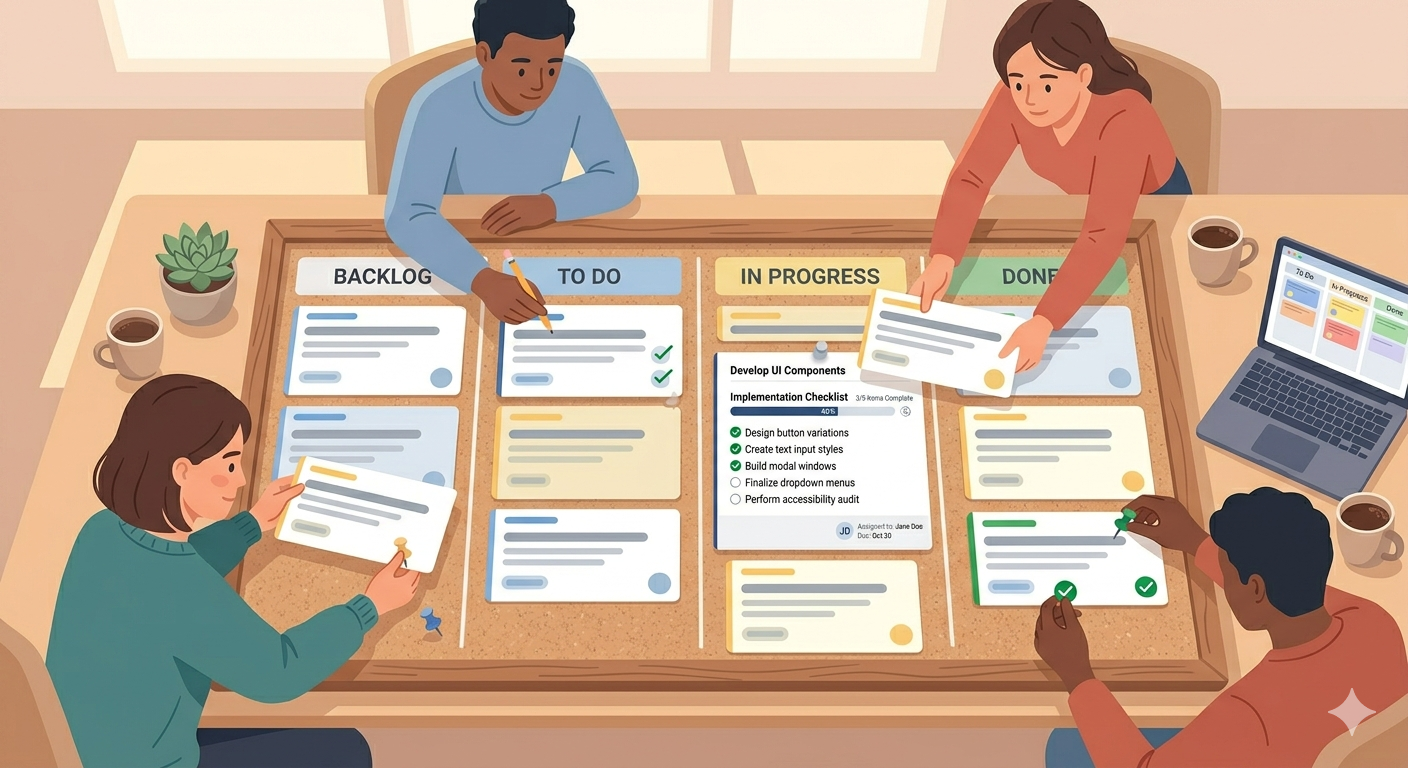
That's where a Kanban board comes in. Not to replace your design tools — but to give your team a clear, visual way to see how work is actually flowing.
Here are five ways UX teams are using Kanban boards to stay organized and design better products.
1. Tracking the Design Process from Research to Handoff
Every UX project goes through stages. You research, you sketch ideas, you build wireframes, you prototype, you test, you refine, you hand off to developers.
A Kanban board makes this flow visible. Set up columns that match your actual process — something like "Research," "Wireframing," "Prototype," "User Testing," "Revisions," "Ready for Dev." Each task moves through the board as it progresses.
Now the whole team can see where every piece of work is — without asking anyone or checking three different tools. If something has been sitting in "Revisions" for a week, it's obvious. No status meetings needed.
2. Managing User Feedback Without Losing It
After a usability test or a stakeholder review, you end up with a pile of feedback. Some of it is critical. Some of it is nice-to-have. Some of it contradicts other feedback.
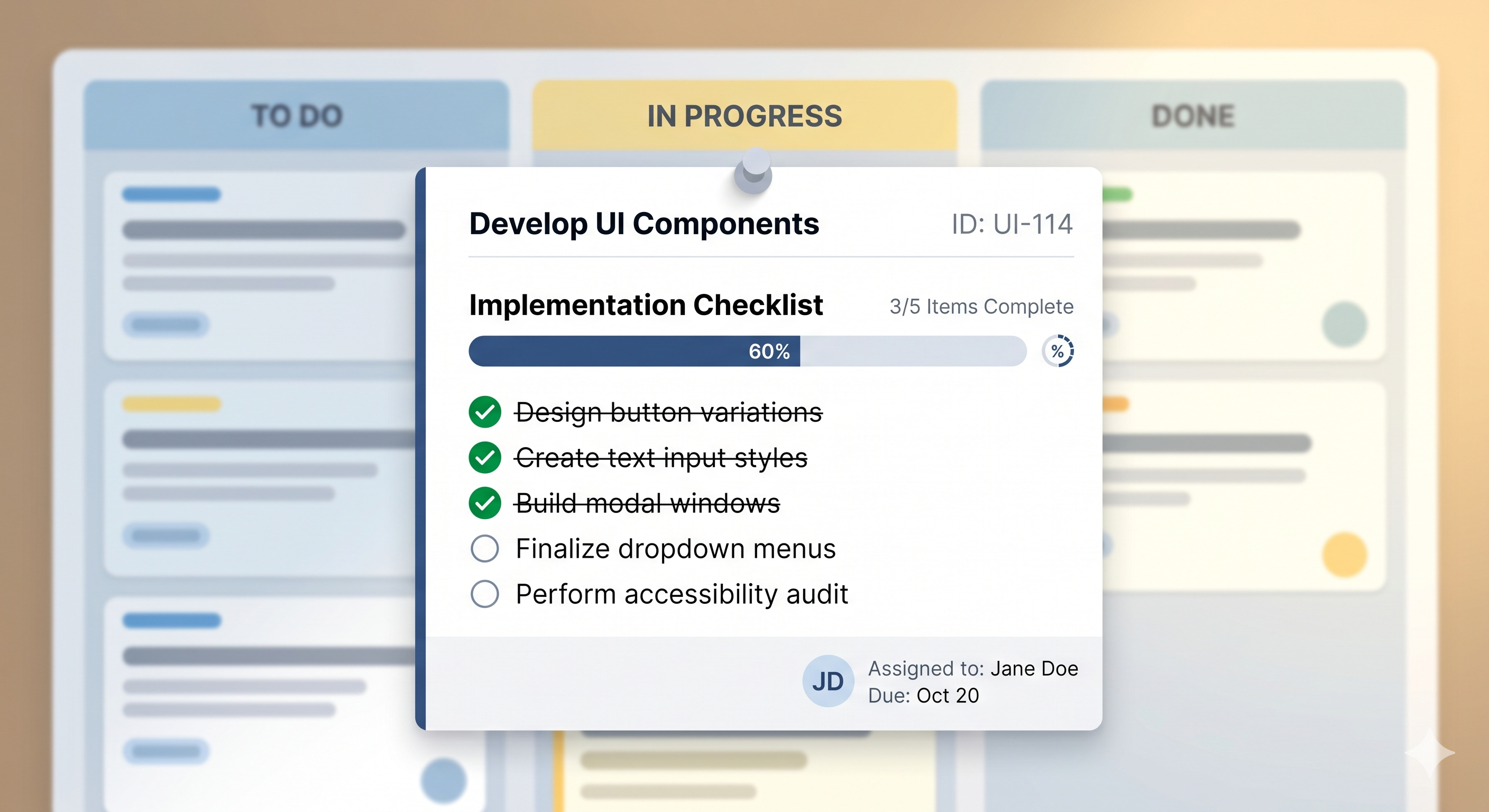
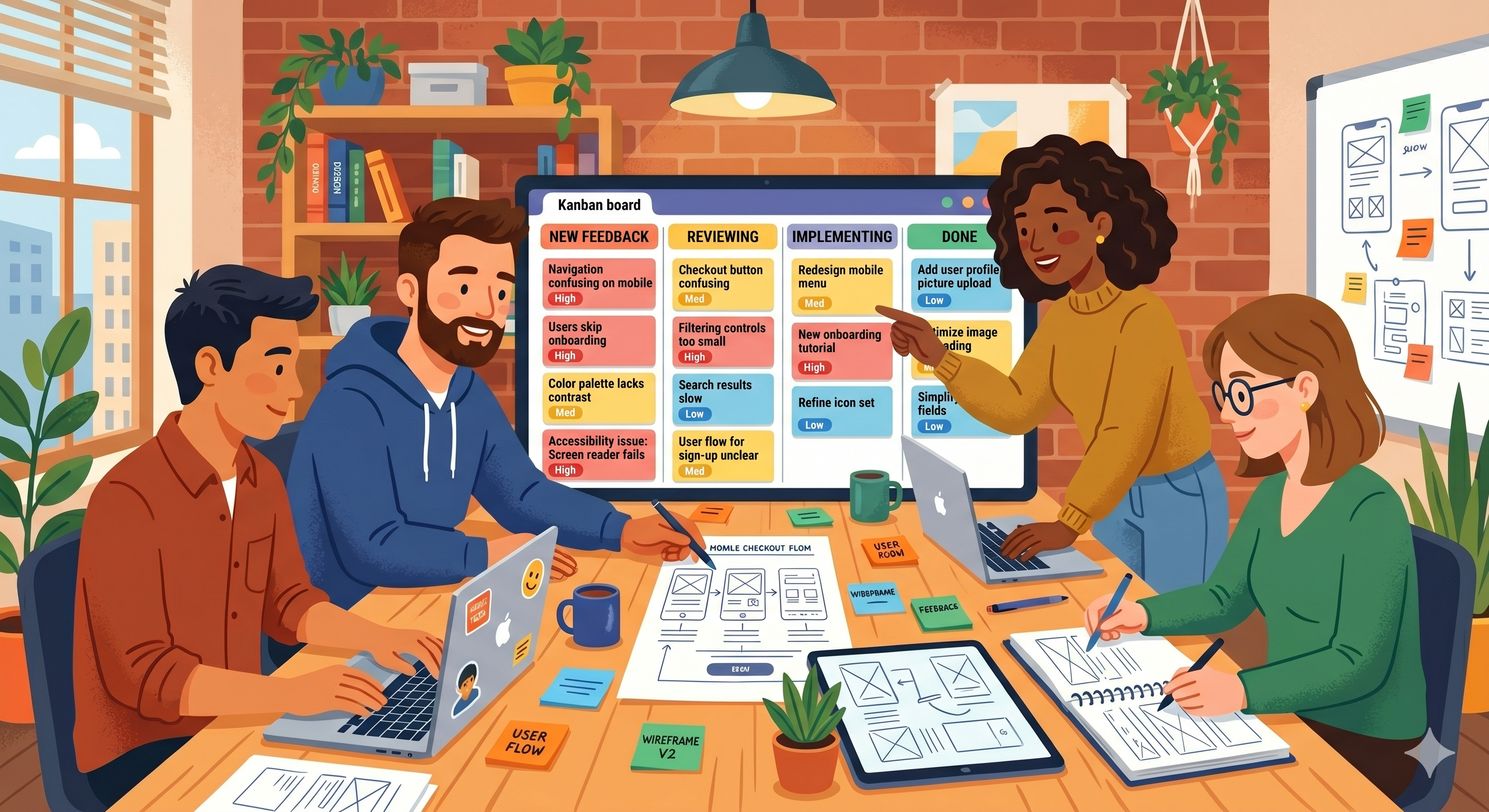
Instead of letting it live in scattered documents or Slack threads, put each piece of feedback on a Kanban card. Prioritize it. Move it through columns like "New Feedback," "Reviewing," "Implementing," "Done."
This way, nothing gets lost. Your team can see what feedback has been addressed and what's still waiting. And when someone asks "did we fix that thing the user mentioned?" — you have an answer in two seconds.
3. Running Design Sprints
Design sprints are intense — five days of focused work with a clear goal. A Kanban board is perfect for keeping the sprint organized.
Create columns for each day or phase: "Understand," "Sketch," "Decide," "Prototype," "Test." Add cards for every task and deliverable. As the team works through each phase, cards move across the board.
It keeps everyone aligned without long meetings. One look at the board and you know exactly where the sprint stands.
4. Coordinating Between Designers and Developers
The handoff between design and development is where things often break down. Designers finish a screen but developers don't know it's ready. Or developers start building before the final version is approved.
A shared Kanban board solves this. Columns like "Design in Progress," "Design Review," "Ready for Dev," "In Development," "QA" create a clear handoff point. When a card reaches "Ready for Dev," developers know they can start. No guessing, no Slack pings, no misunderstandings.
Simple, clear, and saves everyone a lot of back-and-forth.
5. Keeping Track of Design System Updates
If your team maintains a design system — components, patterns, guidelines — it needs regular updates. New components, bug fixes, deprecations, documentation updates. It's easy for these tasks to pile up and get forgotten.
A dedicated Kanban board for your design system keeps it under control. Cards like "Update button component," "Add new modal pattern," "Fix icon alignment" move through "To Do," "In Progress," "Done." The design system stays clean, and nothing slips through.
Why a Simple Board Works Best
UX teams already use complex tools for their actual design work — Figma, Sketch, Adobe XD, research platforms. The last thing they need is another complex tool just to track what's happening.
That's why a simple Kanban board works so well here. It doesn't try to do everything. It does one thing — shows you where your work is — and does it clearly.
SimplyKanban gives you exactly that. A clean, fast board with drag-and-drop, priorities, deadlines, and search. No setup, no configuration, no learning curve.
— Free plan with unlimited tasks
— Works on any device
— No ads, no tracking
→ Try it free at simplykanban.online/register
Design Is Hard Enough. Tracking It Shouldn't Be.
Your UX process has enough complexity already. Your task management shouldn't add more.
A Kanban board keeps your team focused on what matters — designing great products — without losing track of any step along the way.
Five columns. A few cards. Total clarity.